
CalTrak supports iPhone Duo natively. Open it and you get two pages, prop it up and it works like a laptop, and close it and the cover screen gets a layout built for it.
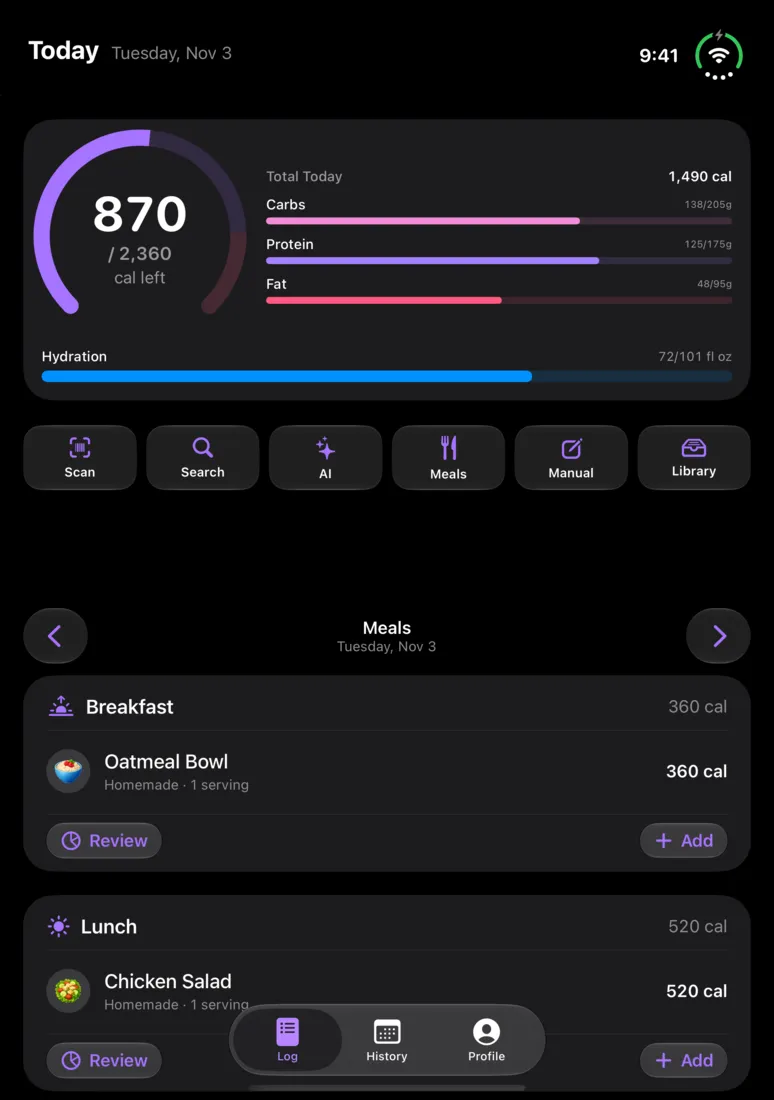
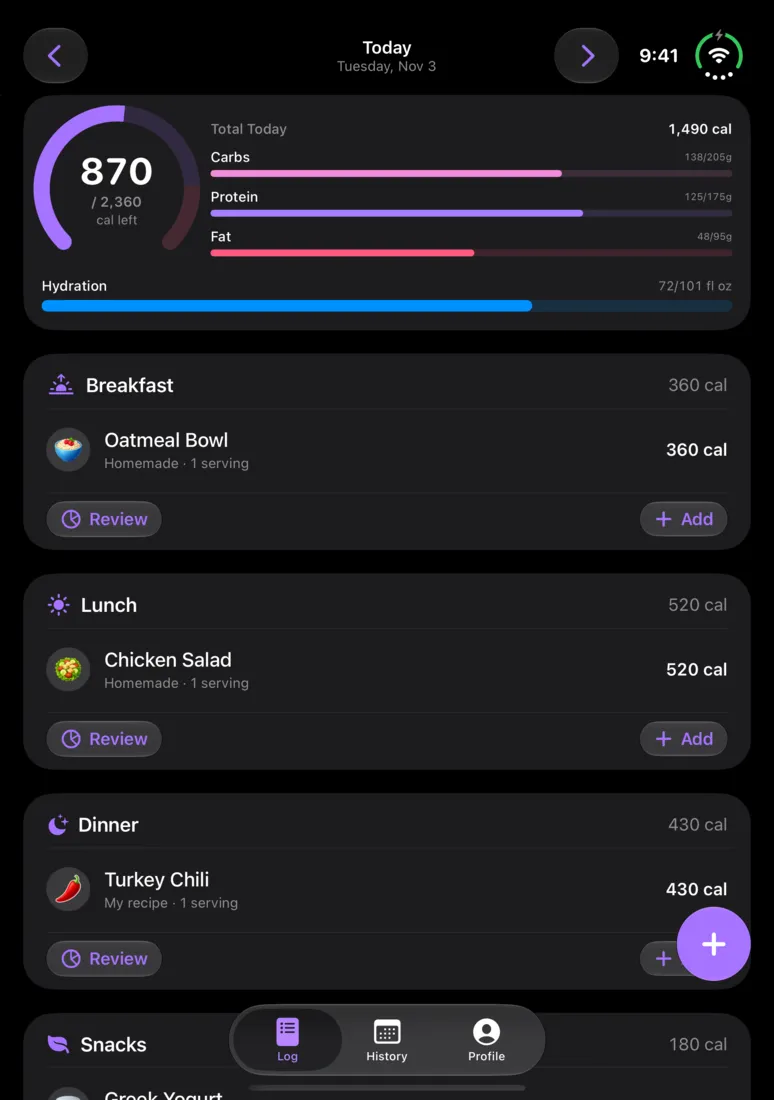
It's built with the iOS 27.1 SDK, so there's no letterboxing and no compatibility mode. CalTrak knows where the fold is and lays itself out around it. Tap a position to see the Log screen in it.
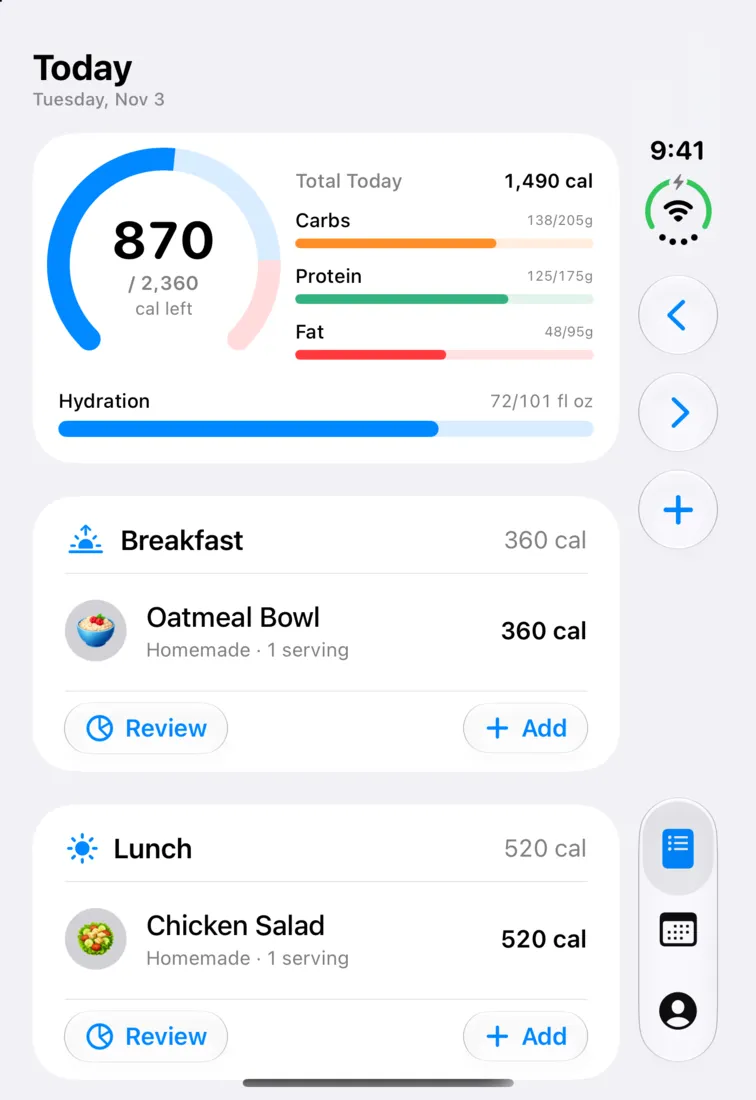
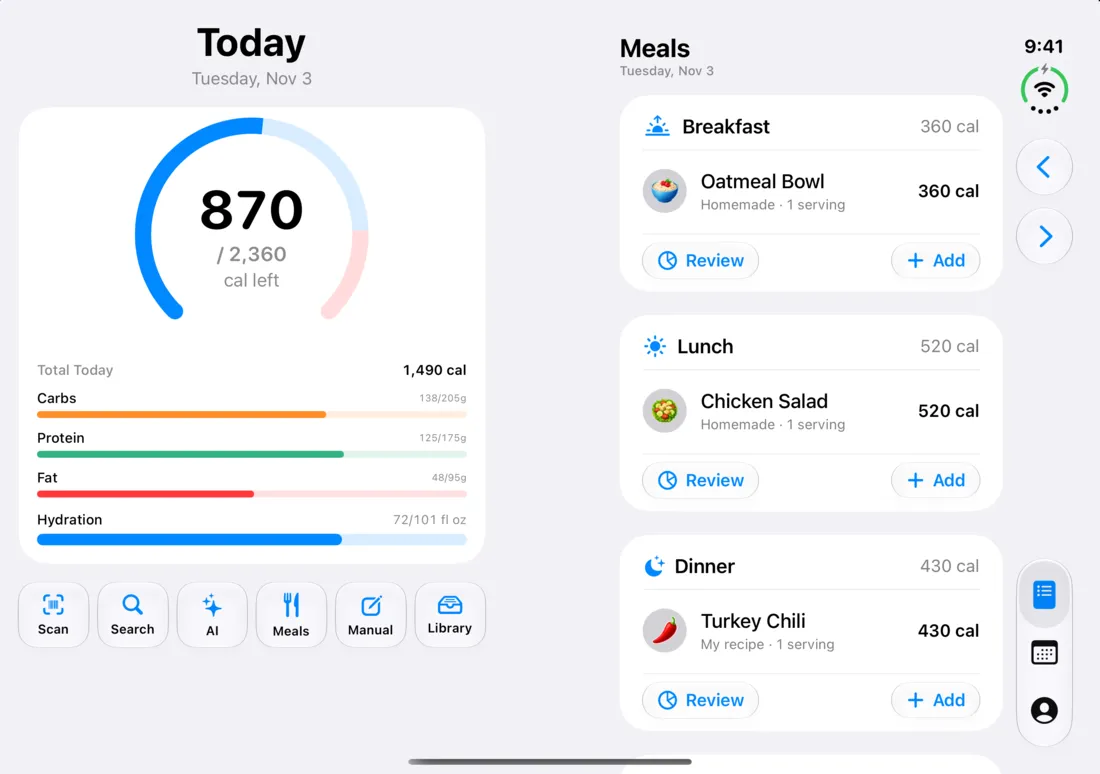
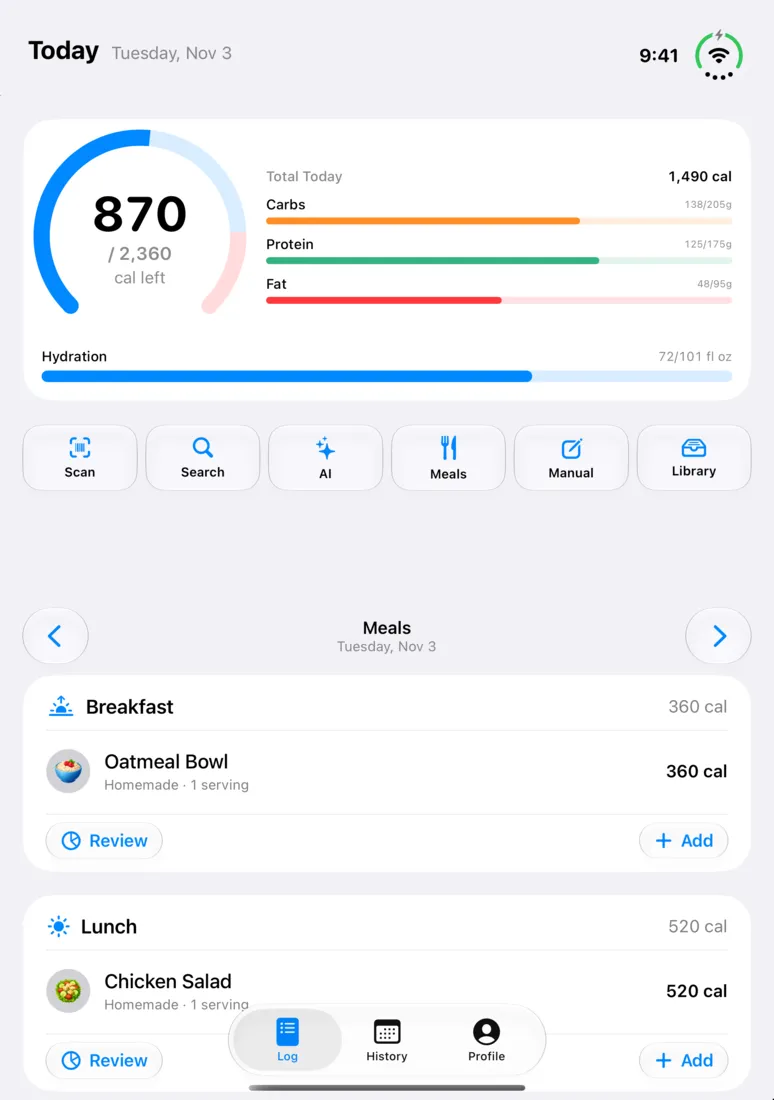
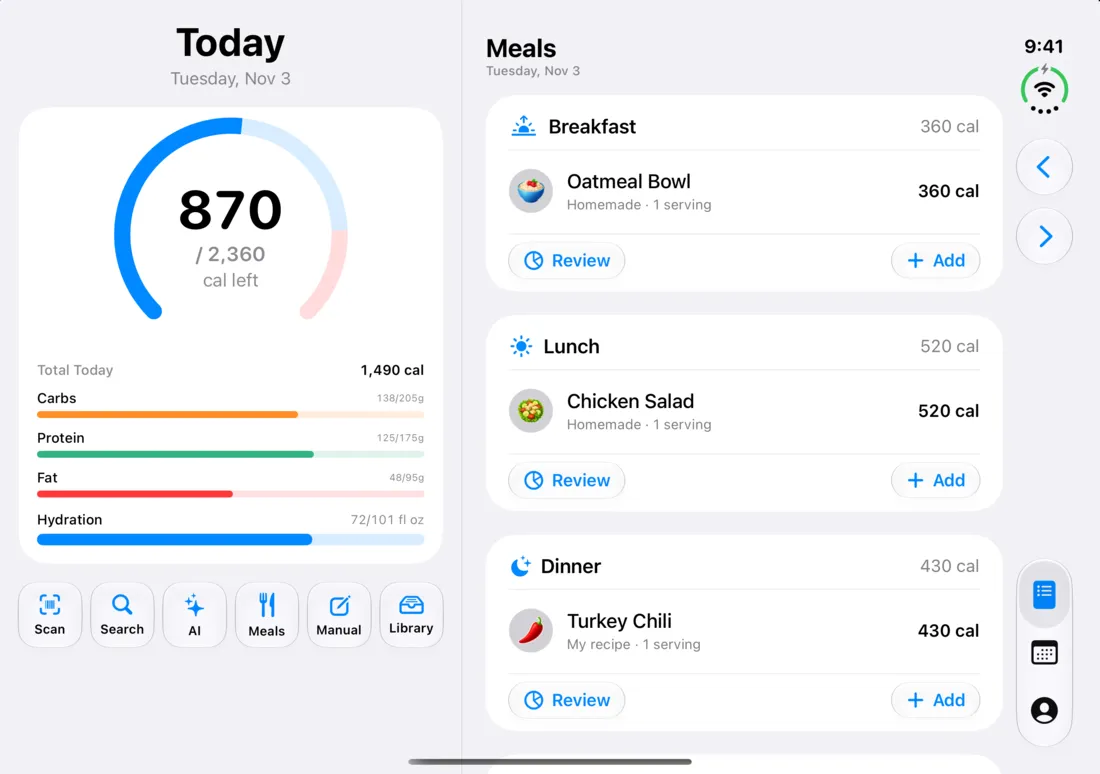
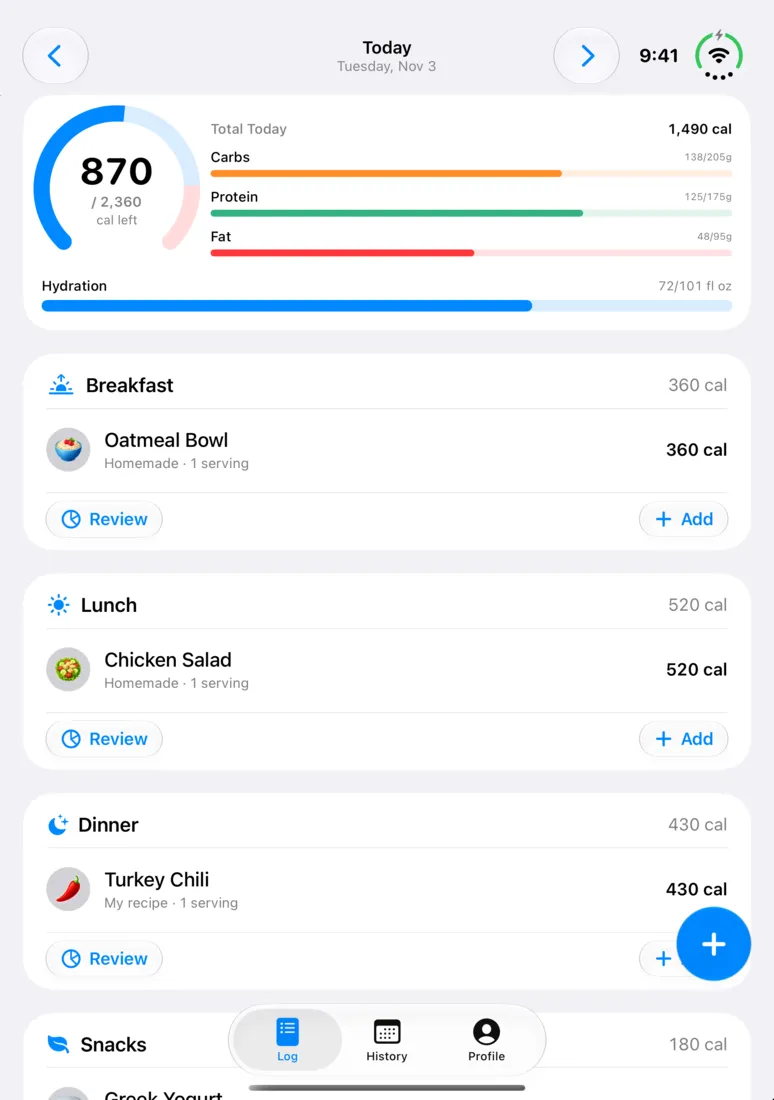
What does CalTrak look like when it's open?
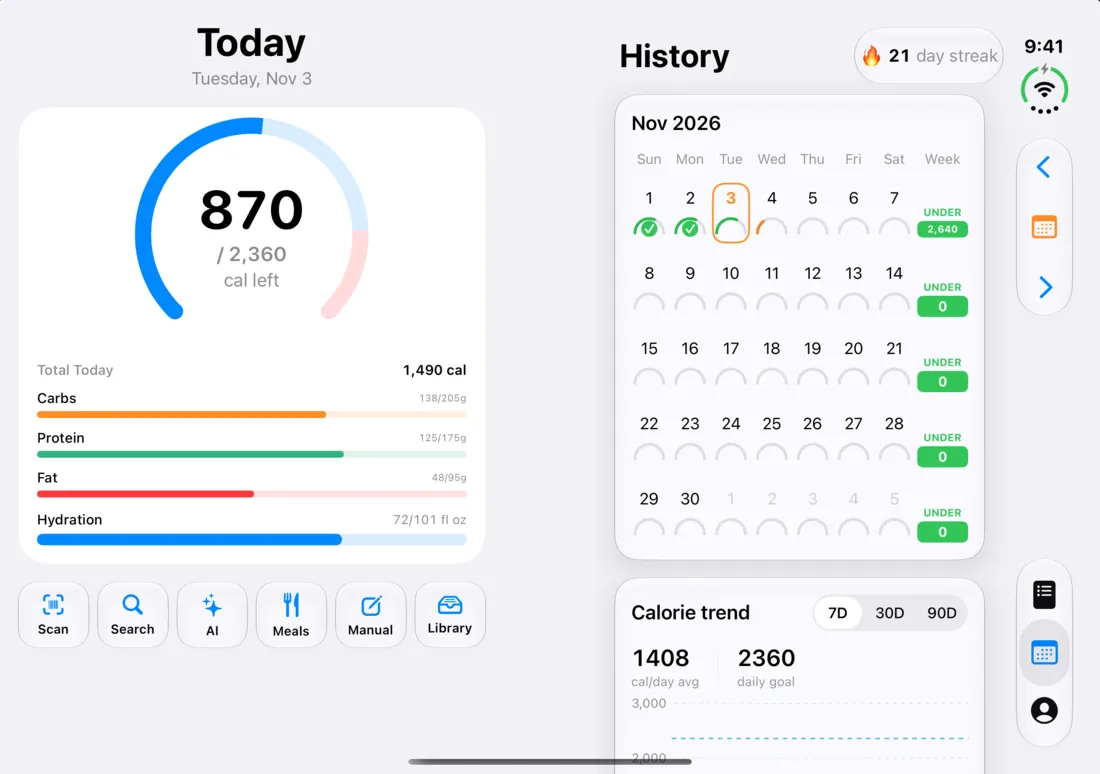
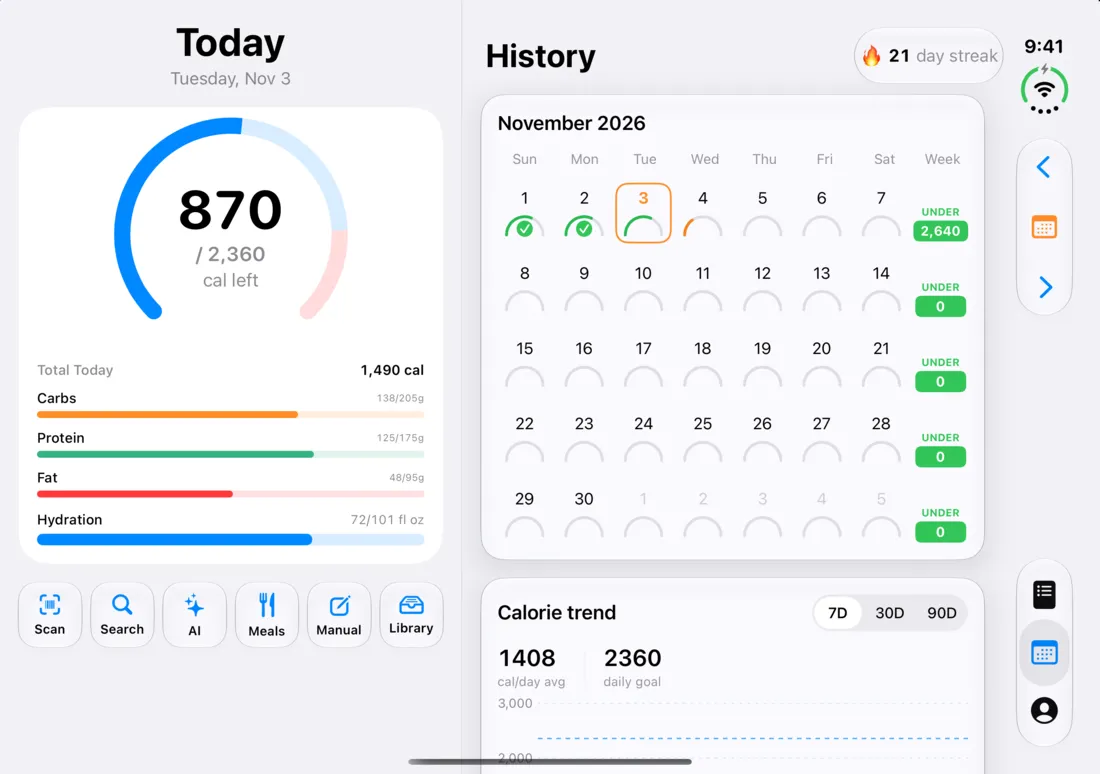
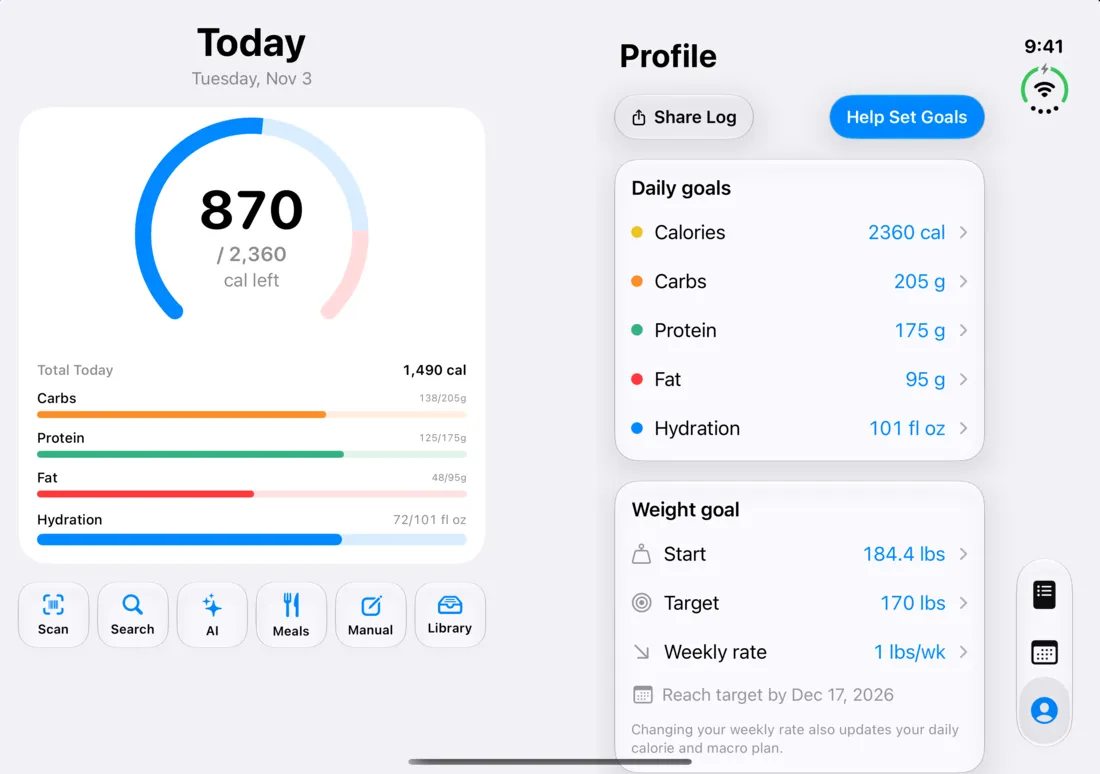
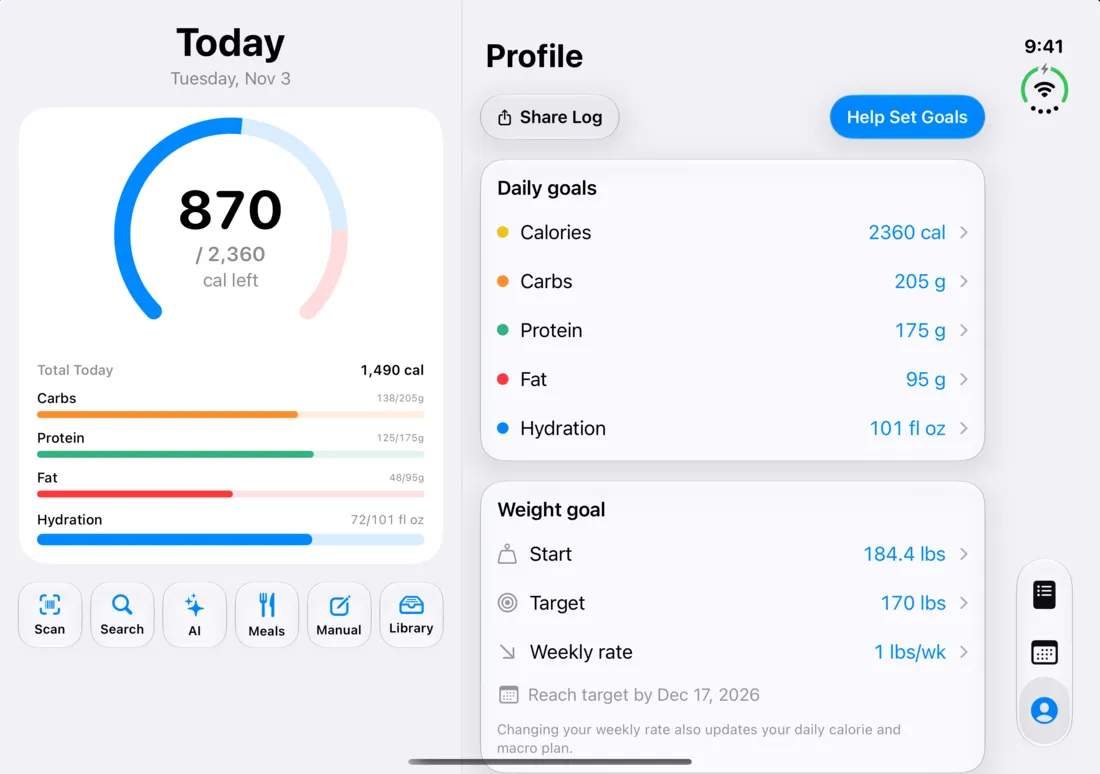
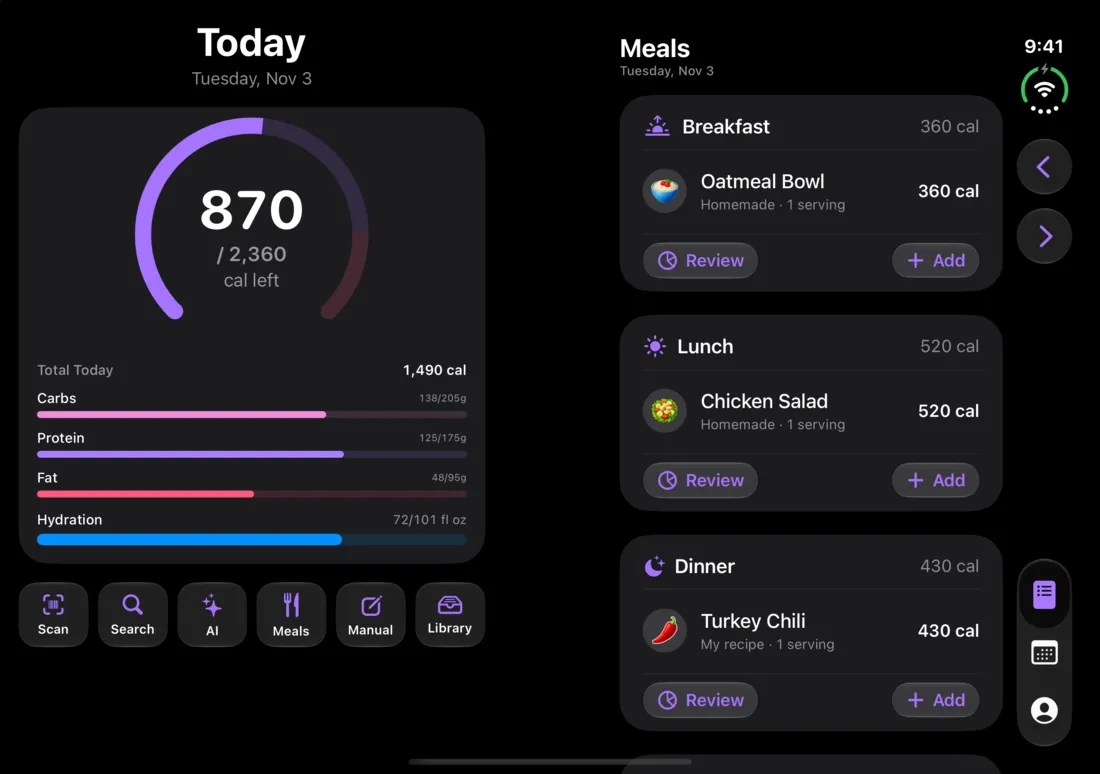
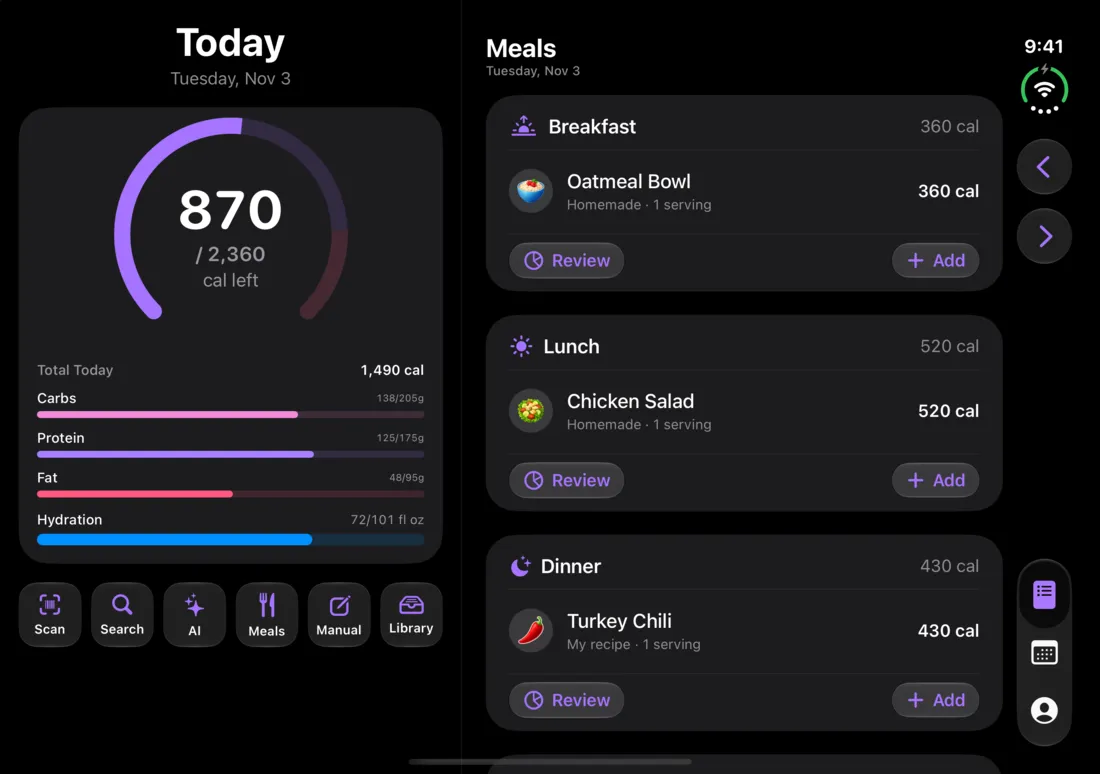
On the inner display you get two pages. The left page is a summary of today: your calorie ring, macros and quick add. It stays put and looks the same on every tab. The right page is whatever tab you picked, and it scrolls on its own.
Since the summary is already on screen, the Log tab hides its own ring and floating add button while the summary page is showing, and the page is titled "Meals".
In book position the split lands right at the fold. Fully open and wide, the summary gets about 42% and the tab gets 58%. Closed, open and held tall, and with accessibility text sizes, you get the regular phone layout.
How does the cover screen work?
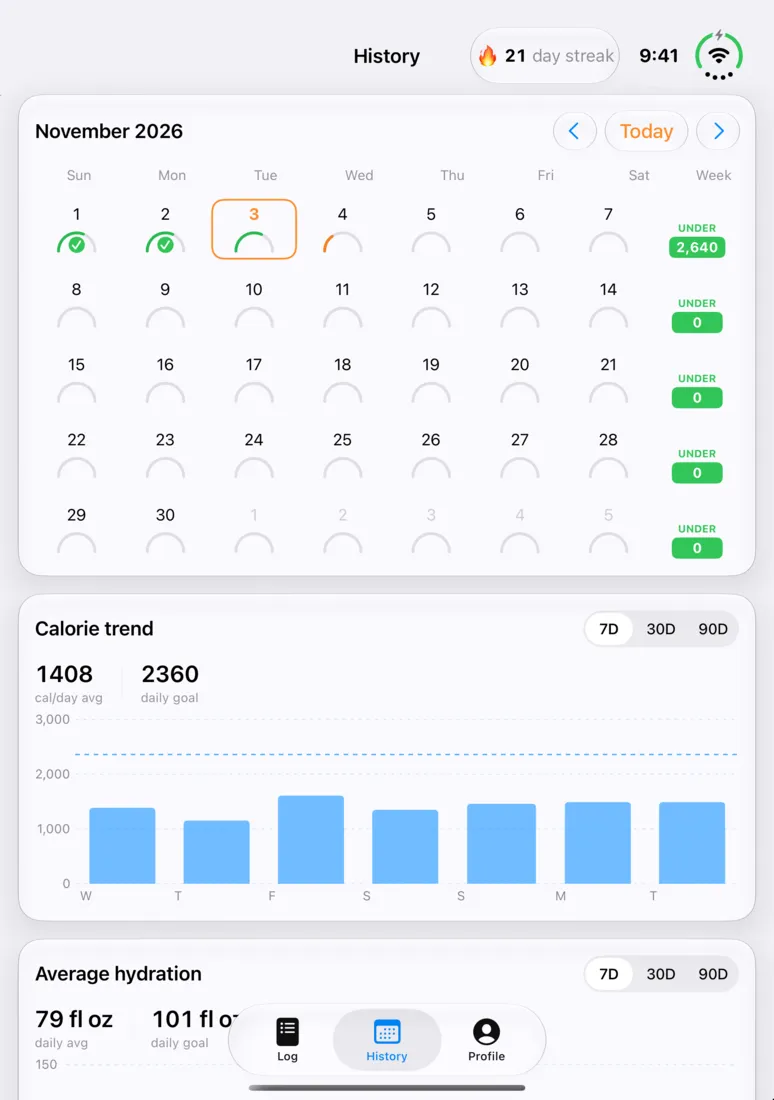
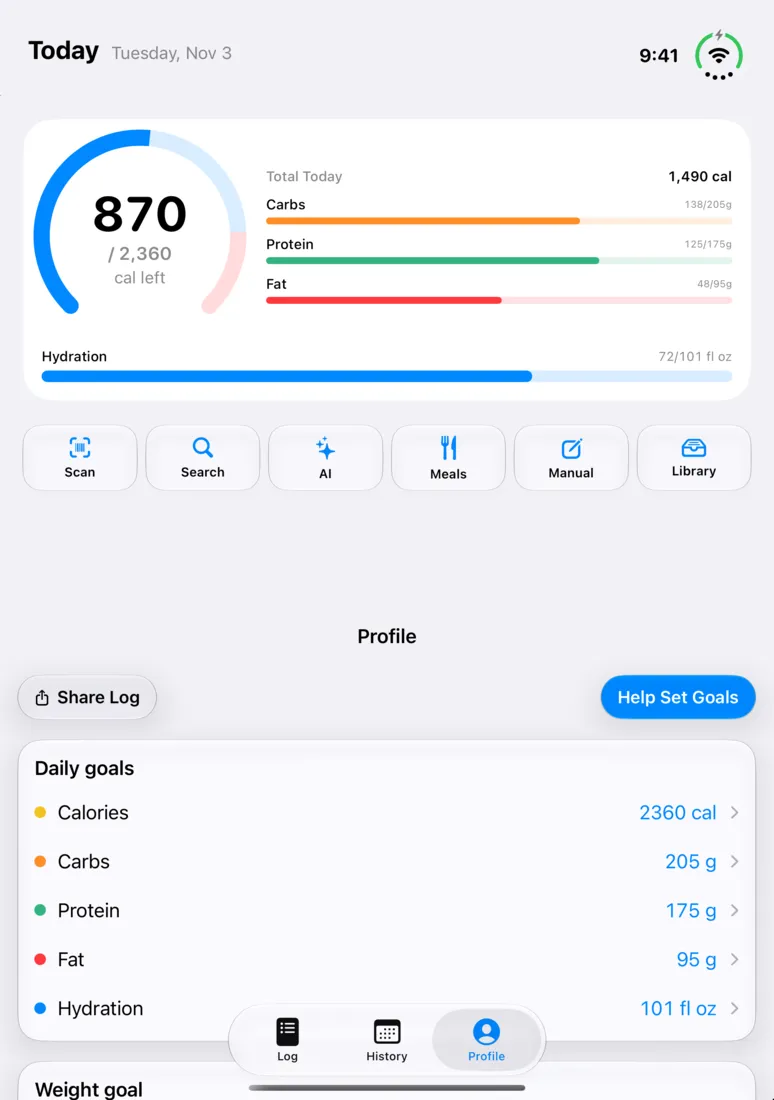
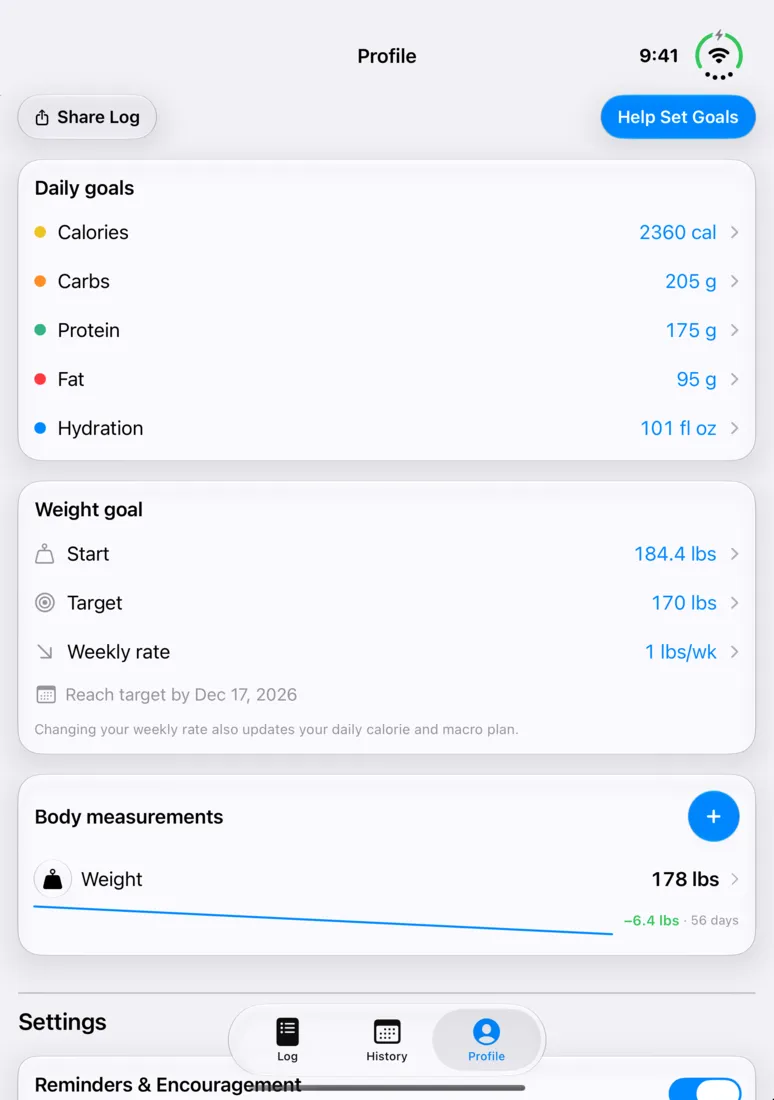
When it's closed, the clock, toolbar buttons and tab bar sit in a narrow column along the right edge of the cover screen.
Long lists like the Library and Add food results run underneath the empty part of that column, so you don't lose a strip of the screen.
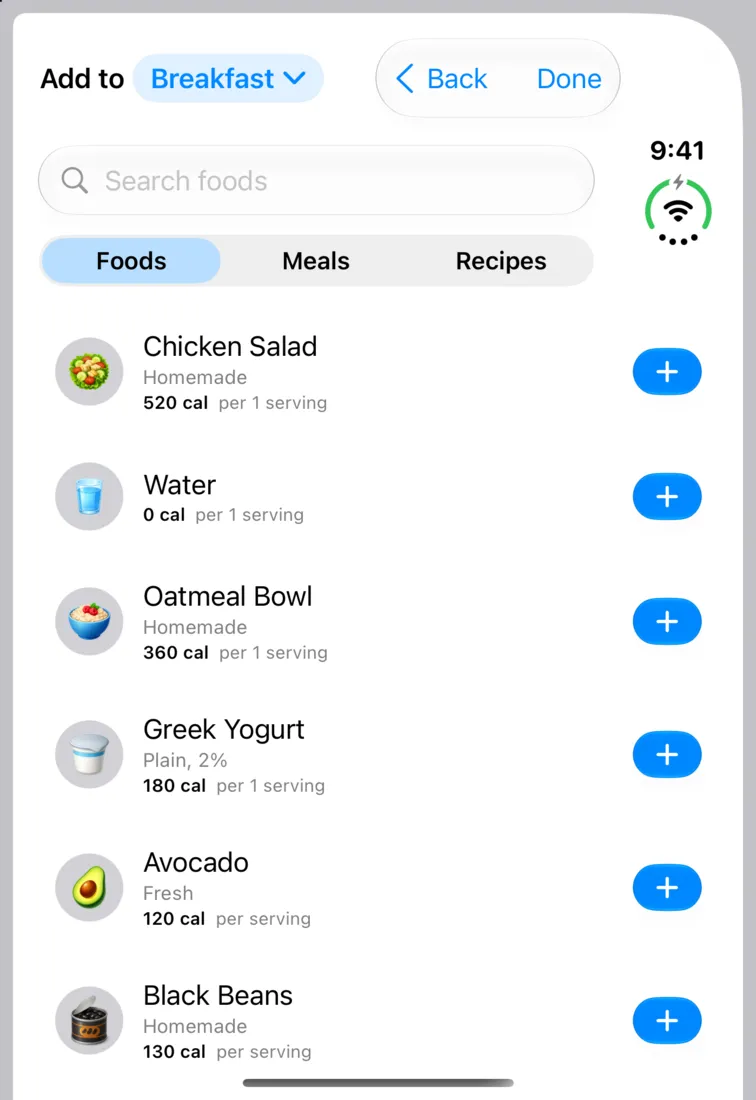
What happens when I fold or unfold it?
Nothing gets lost. Your tab, where you are inside it and how far you've scrolled all stay the same when you fold, unfold or change position.
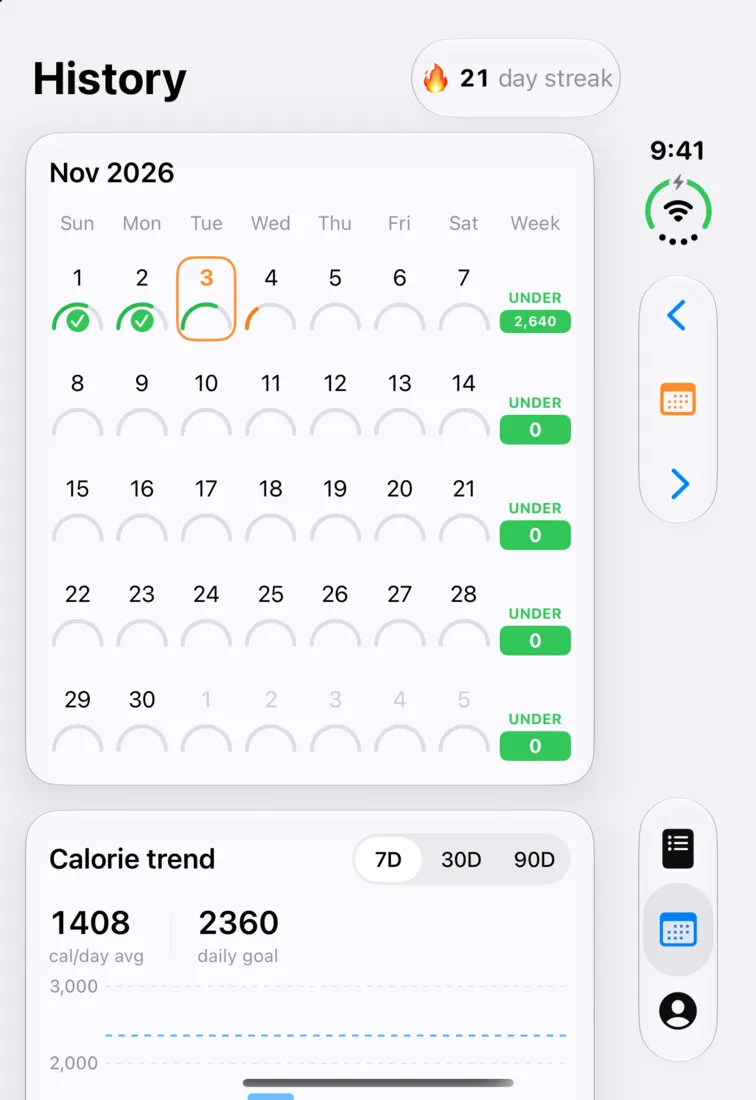
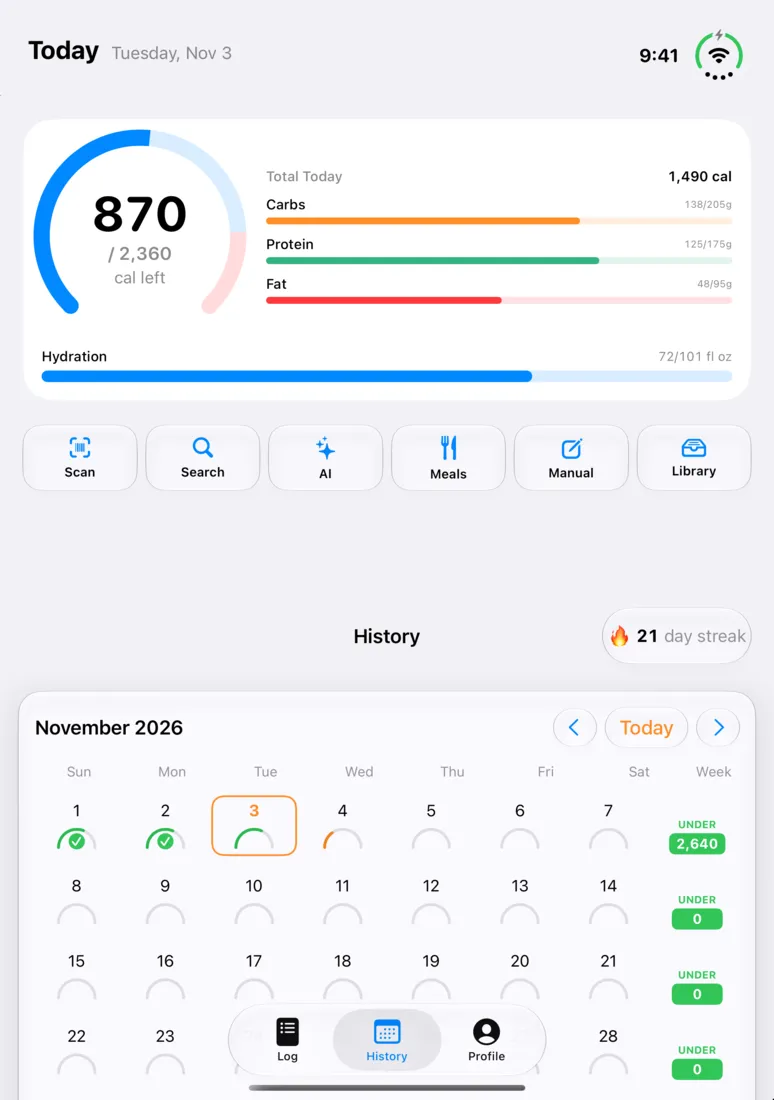
History
History works in every position. On the cover screen, the month arrows move out of the calendar card and into the column on the edge.
Profile
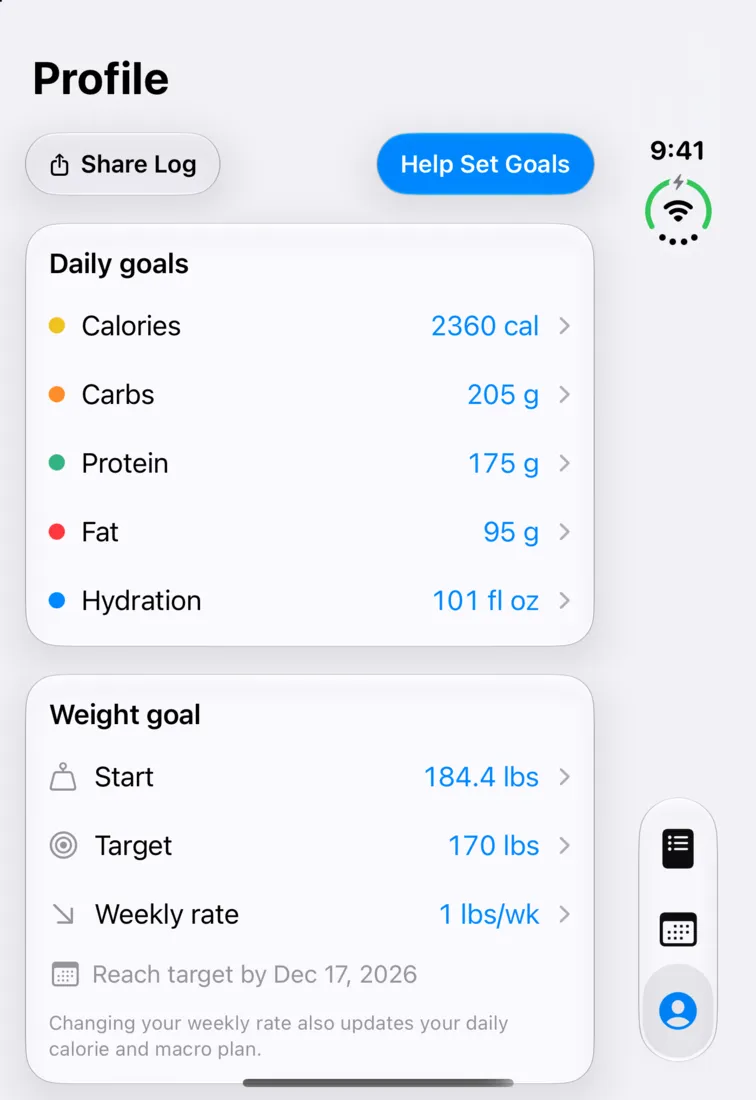
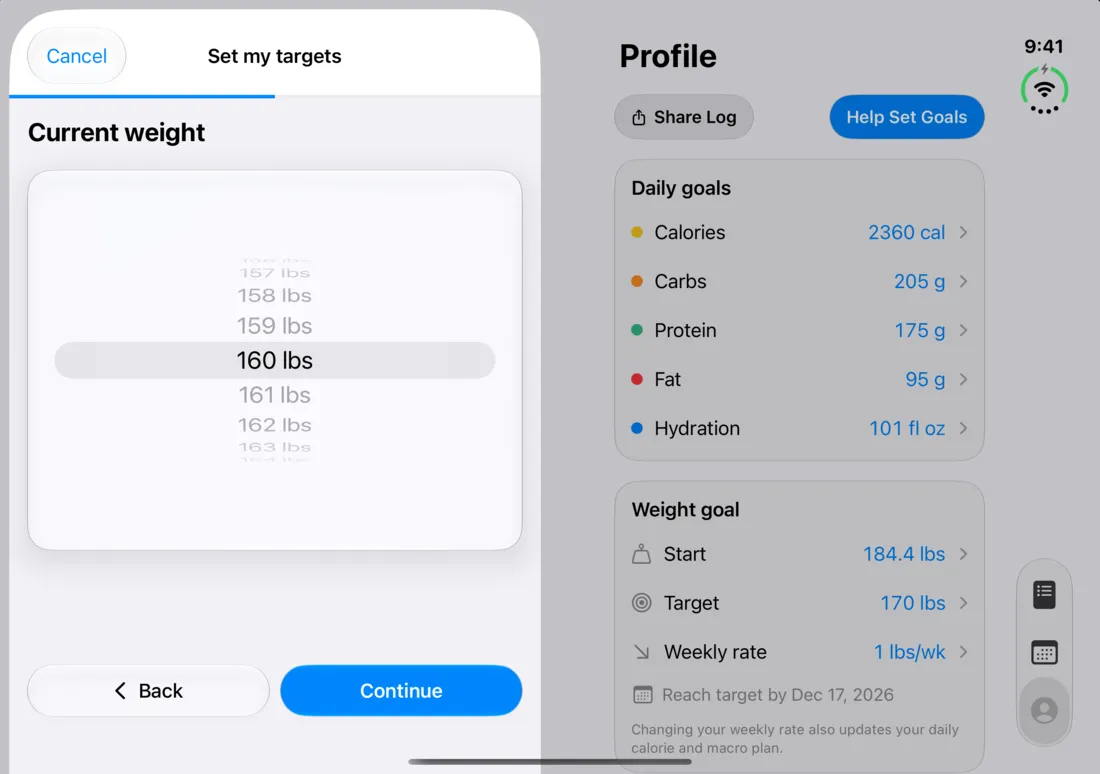
When it's open, Profile sits on the right page next to today's summary, so you can change a goal and see your day at the same time.
Adding food
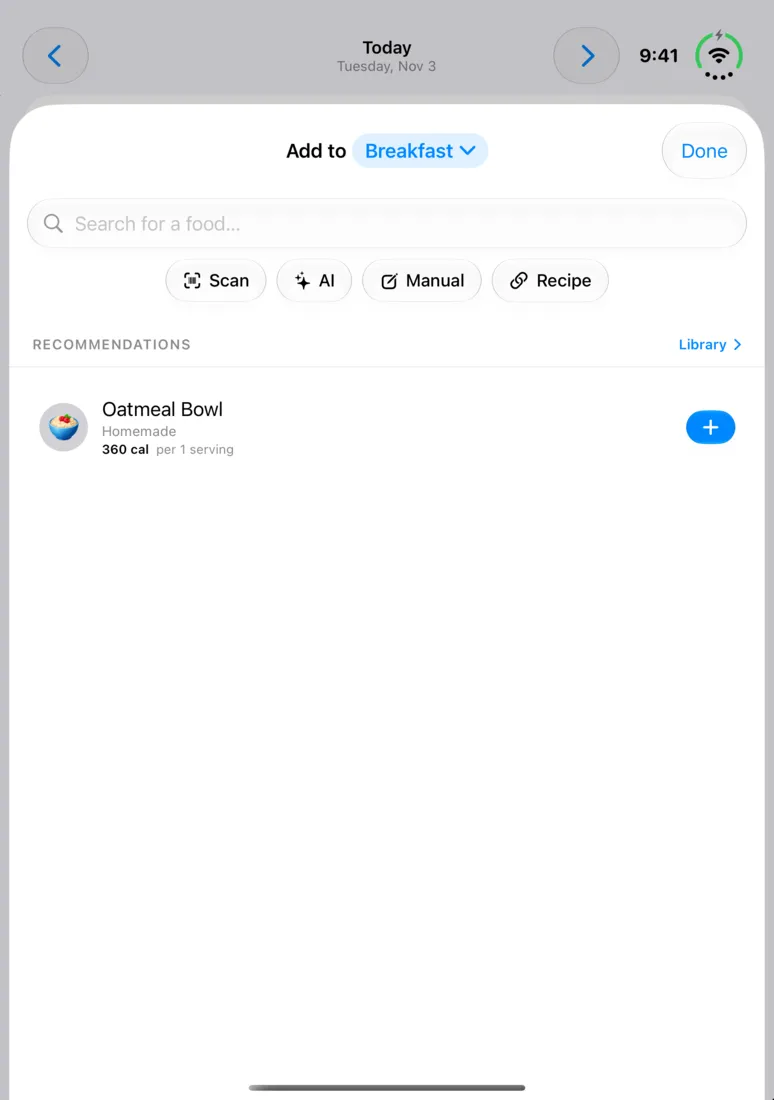
On the cover screen the floating + turns into a toolbar menu with the same six actions, so it doesn't sit on top of the buttons in your meal rows.
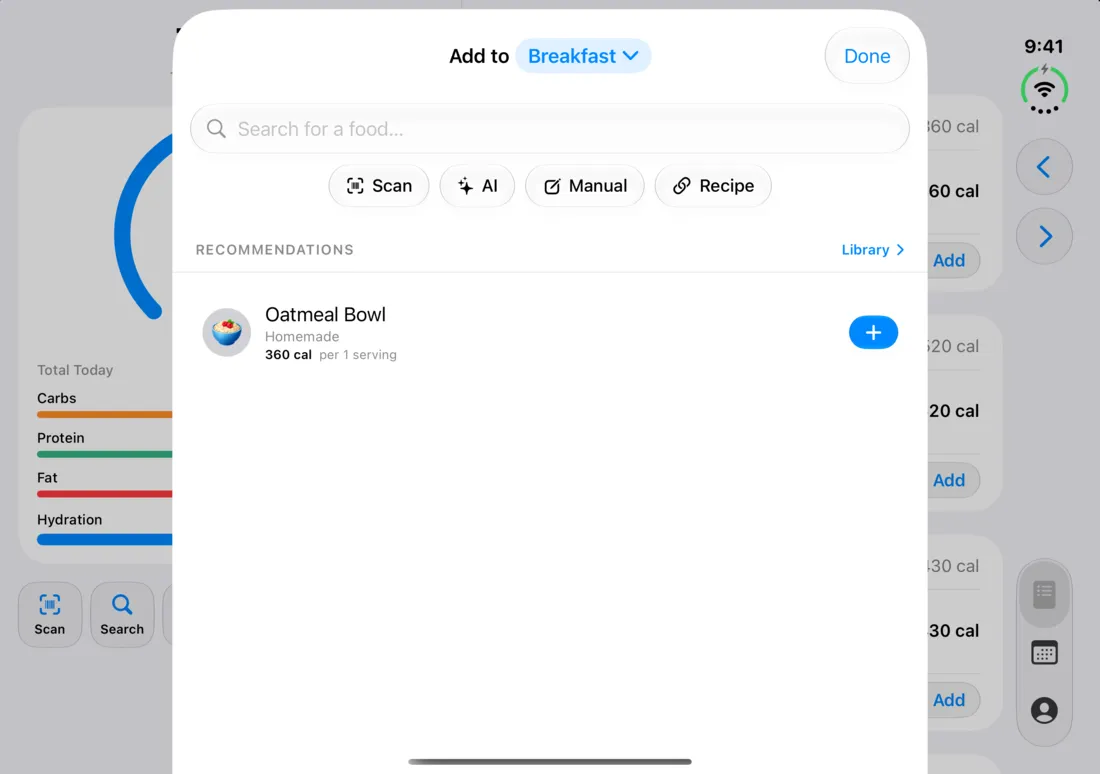
On the open display, sheets move to one side when it's at a book angle. Here the portion sheet for a glass of water sits on the left page while your meals stay on the right.
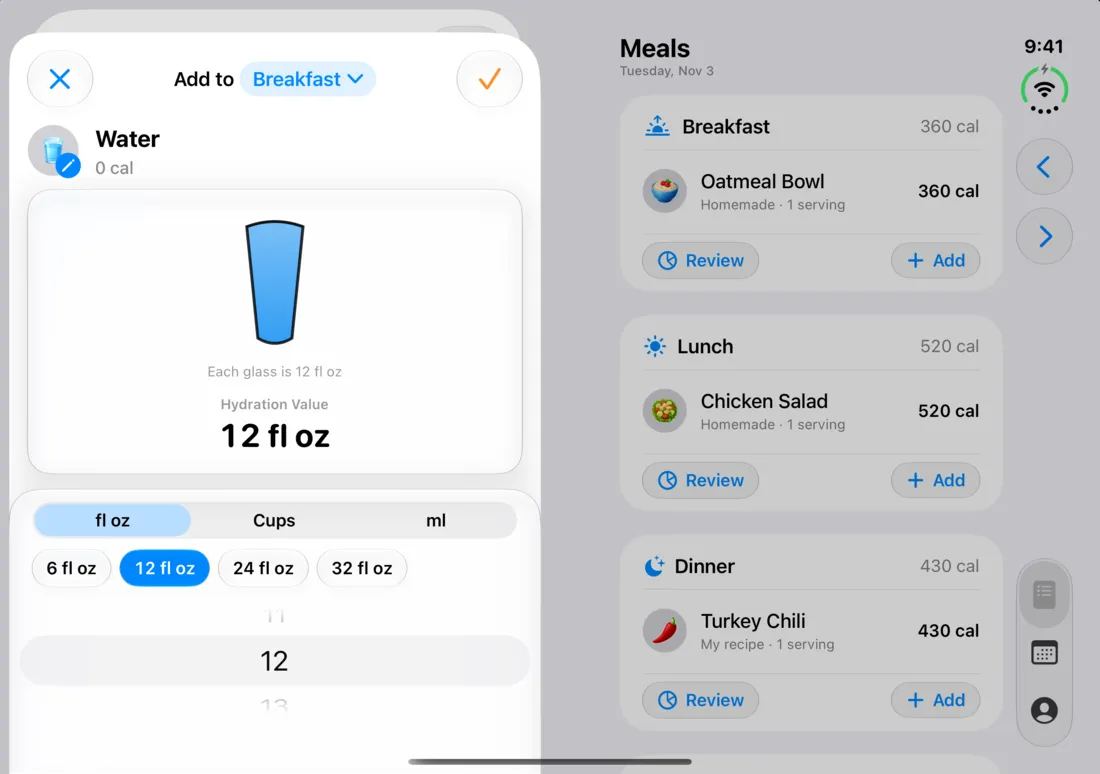
Short sheets get compact layouts too, including the portion sheet, the ingredient and shared meal editors, and workout details.
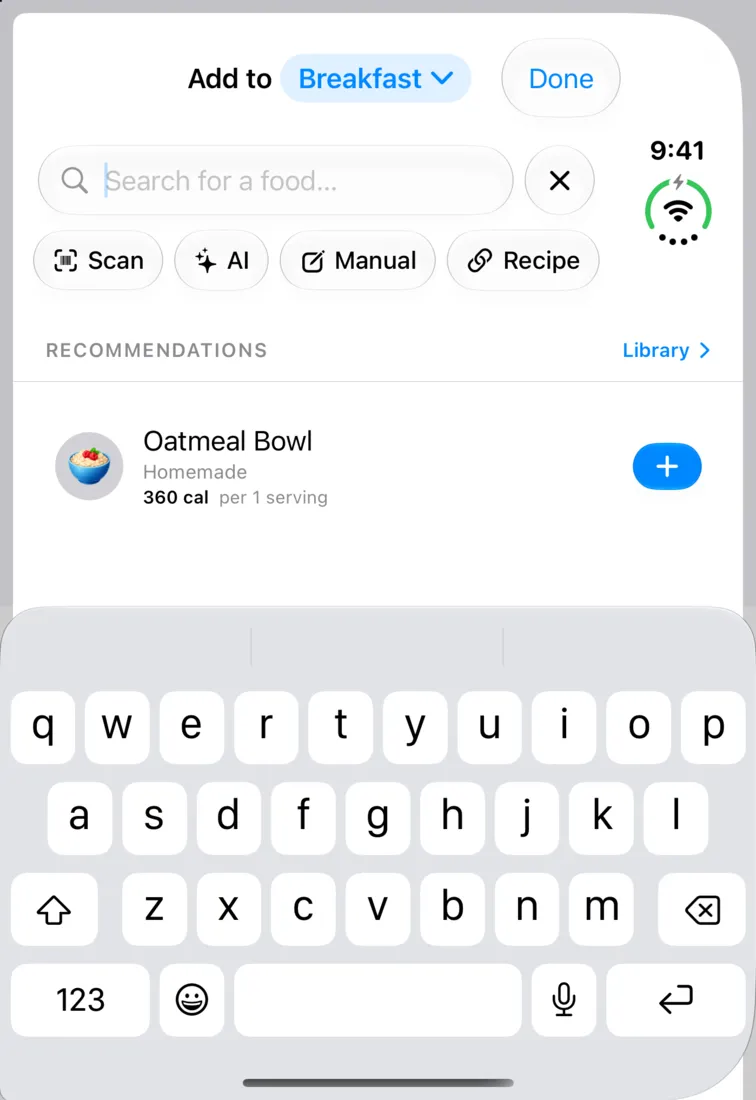
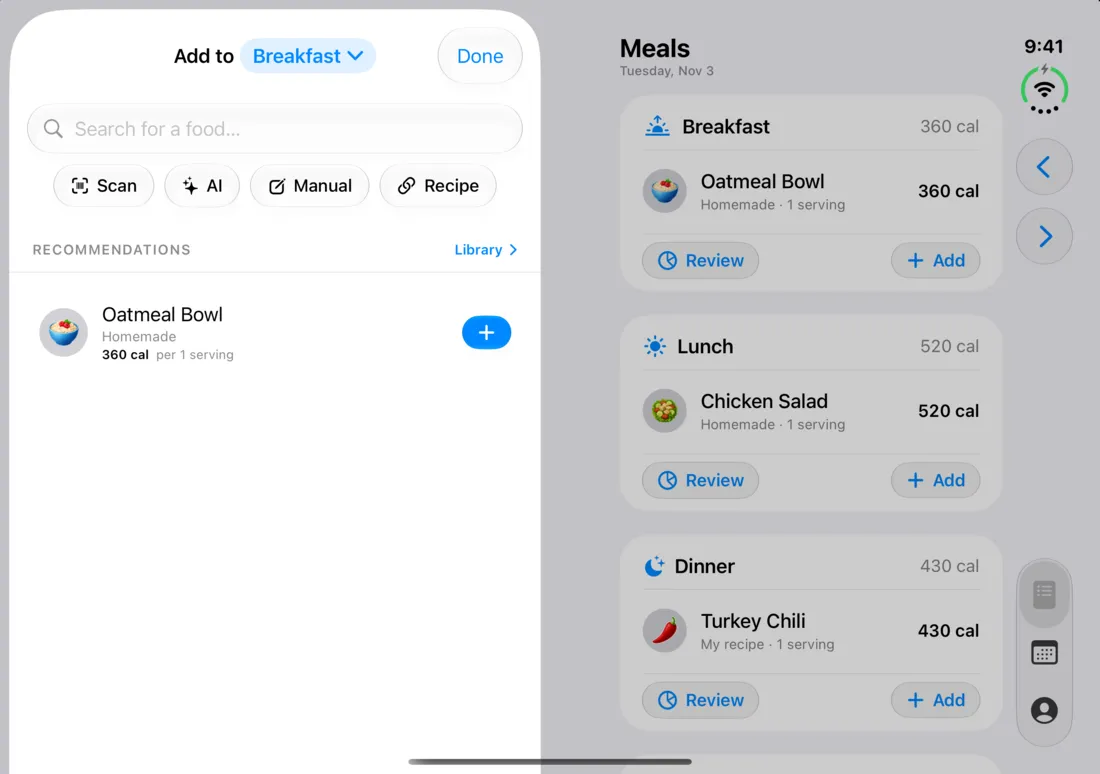
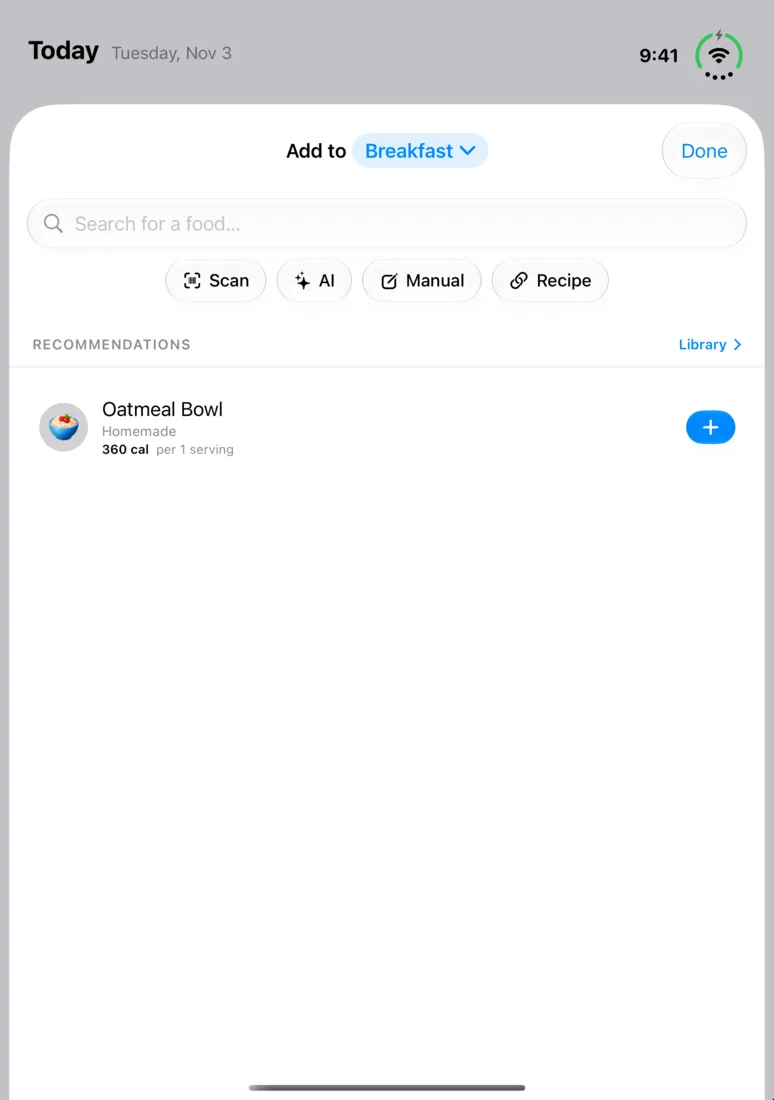
AI lookup
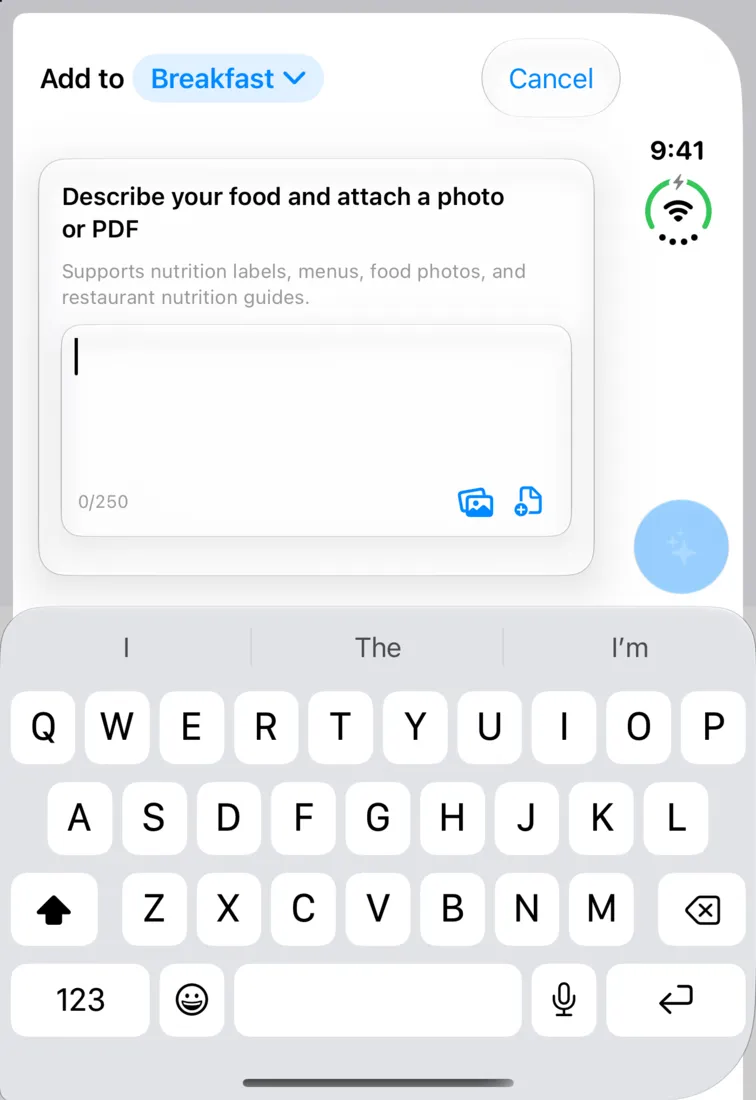
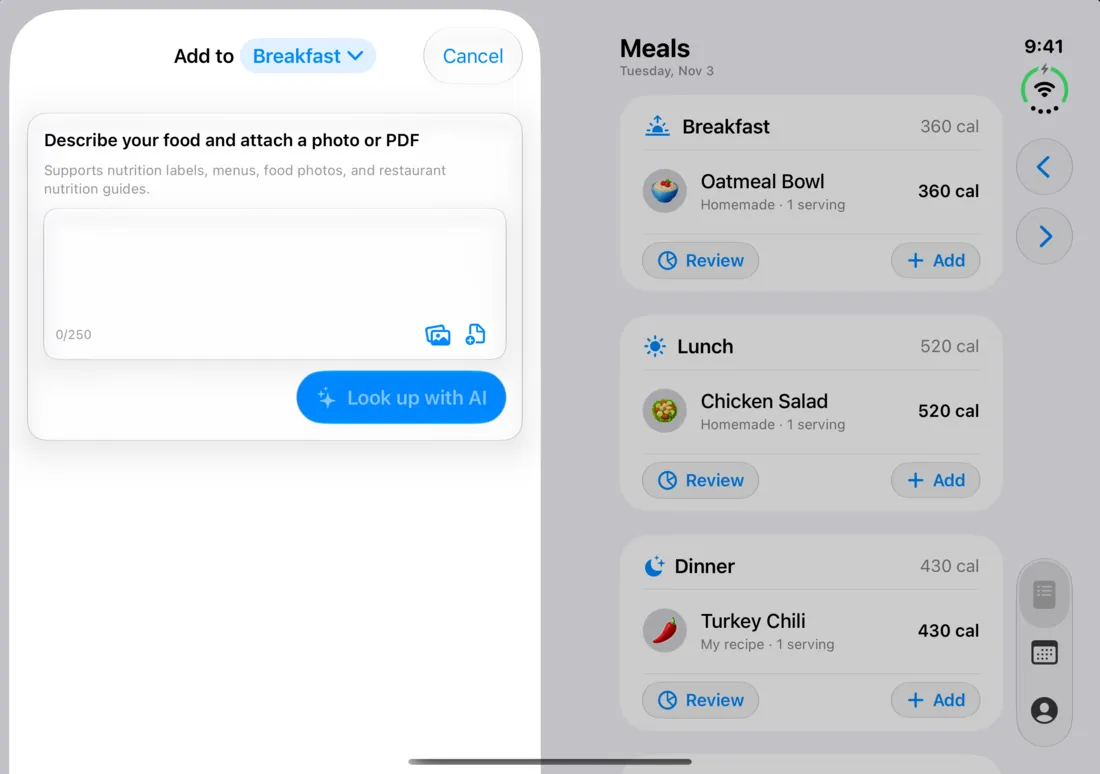
The AI lookup opens as a sheet, so it follows the same rules as Add food in every position.
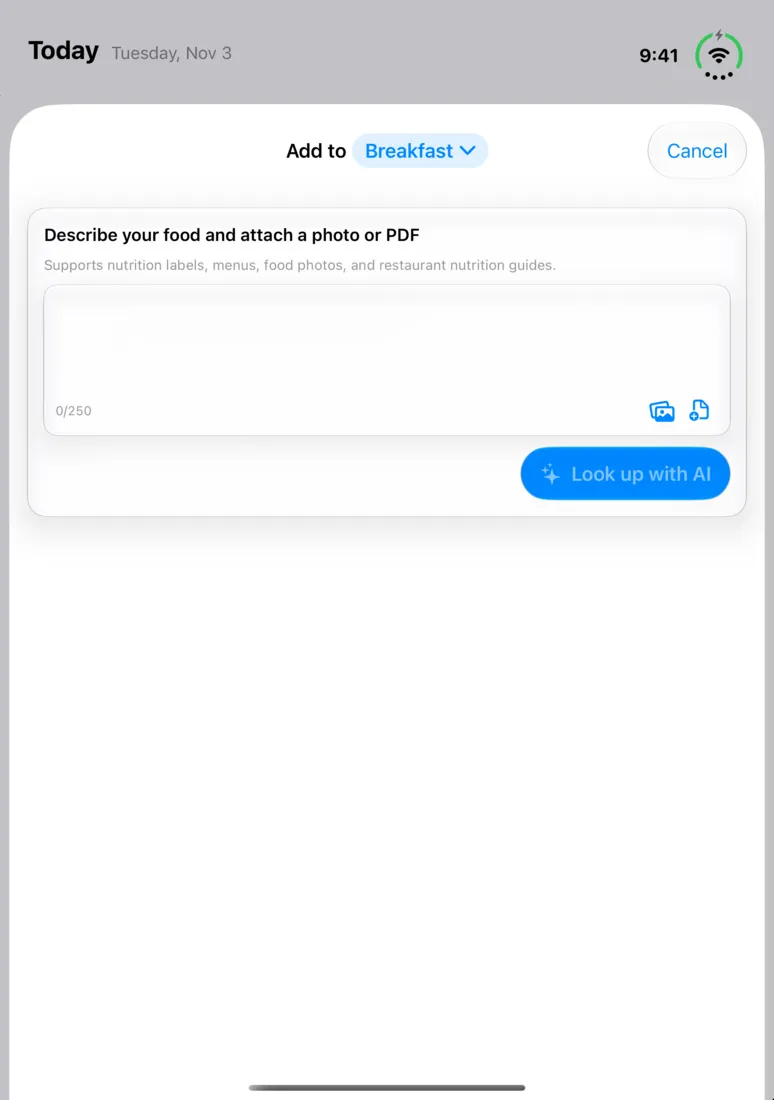
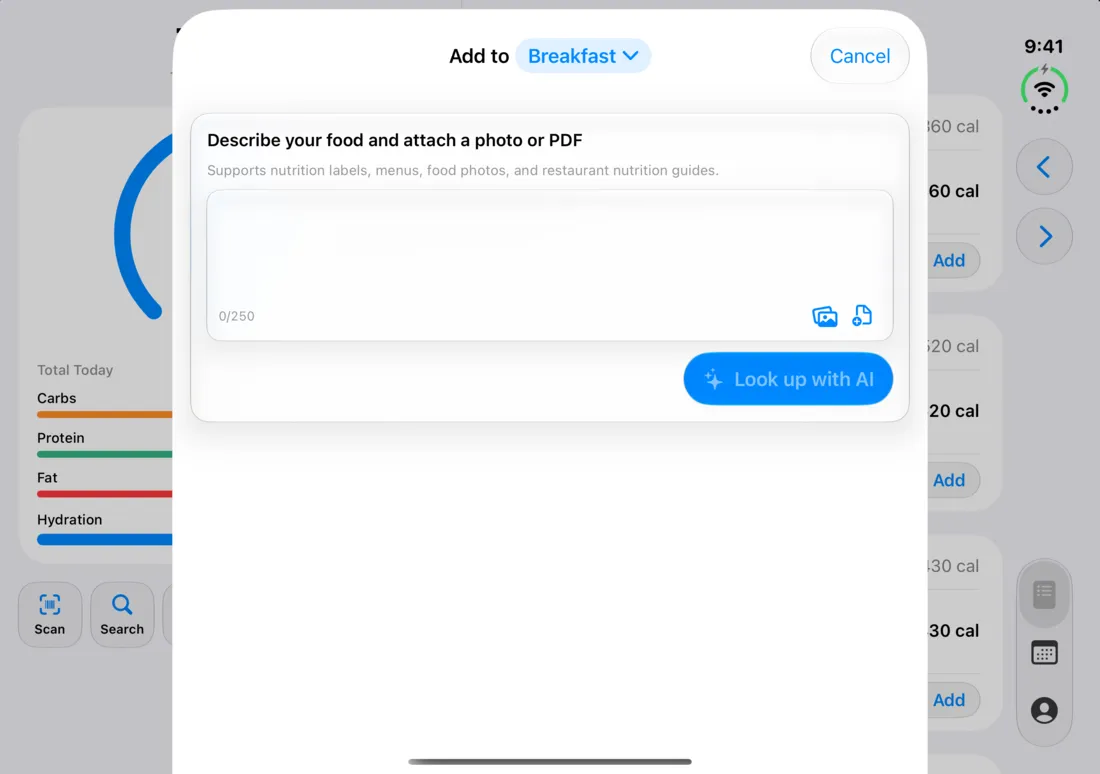
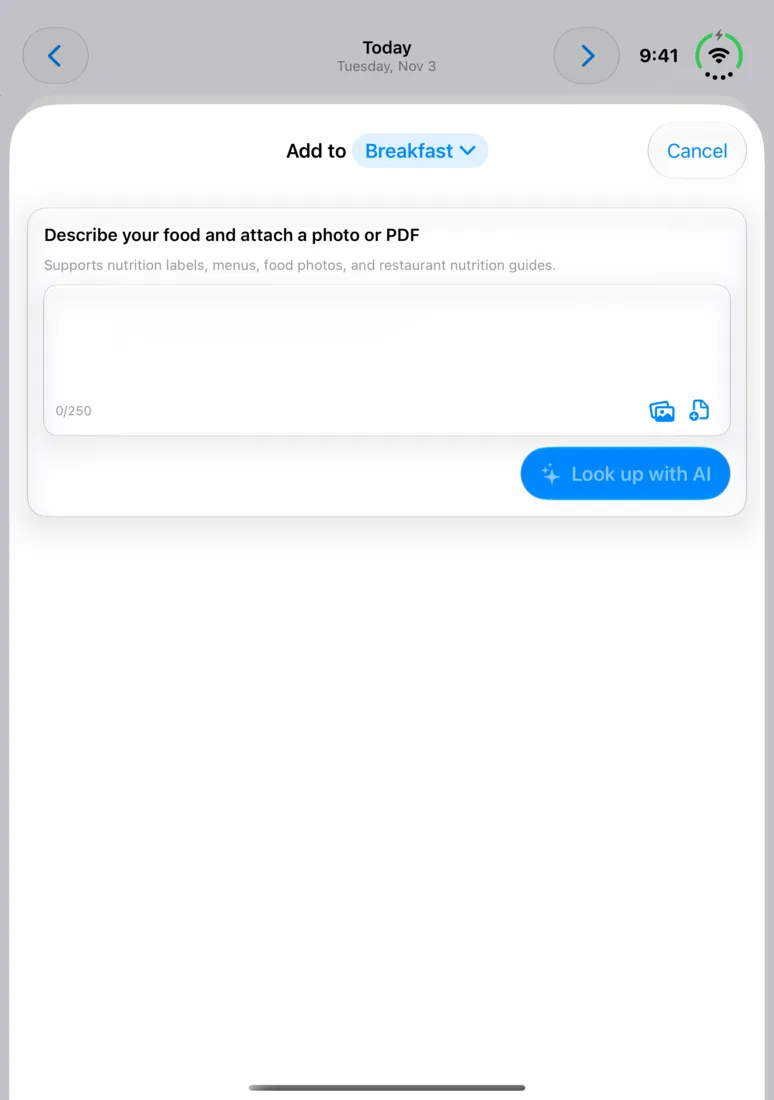
Onboarding
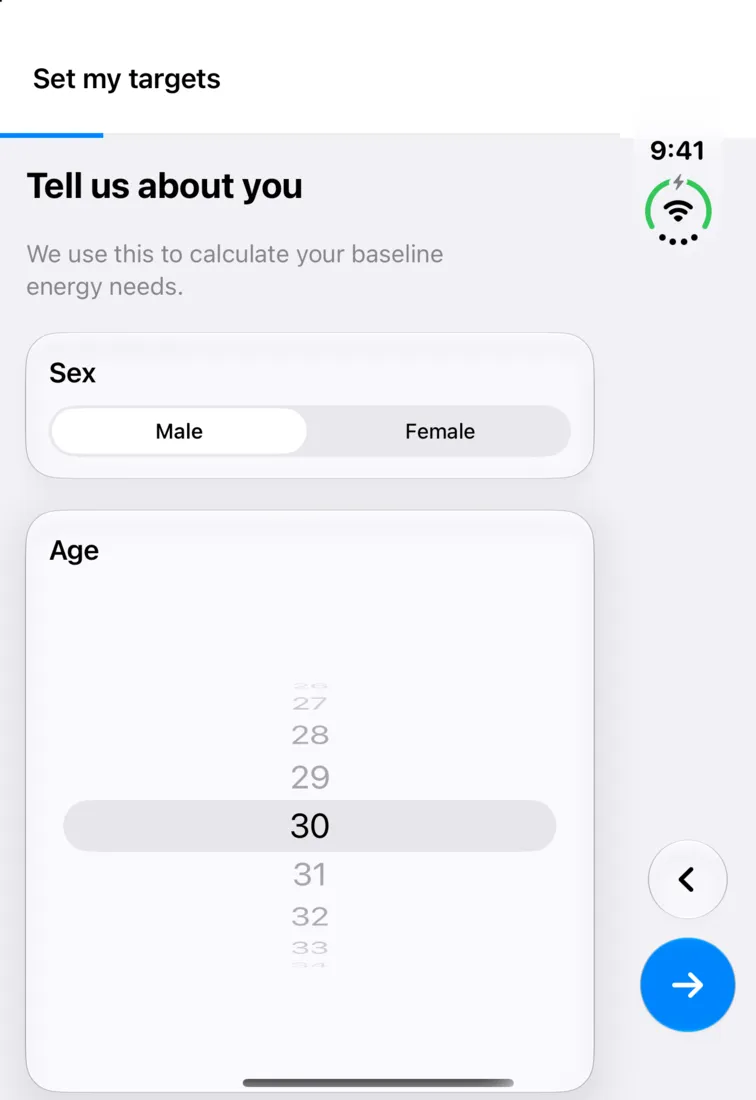
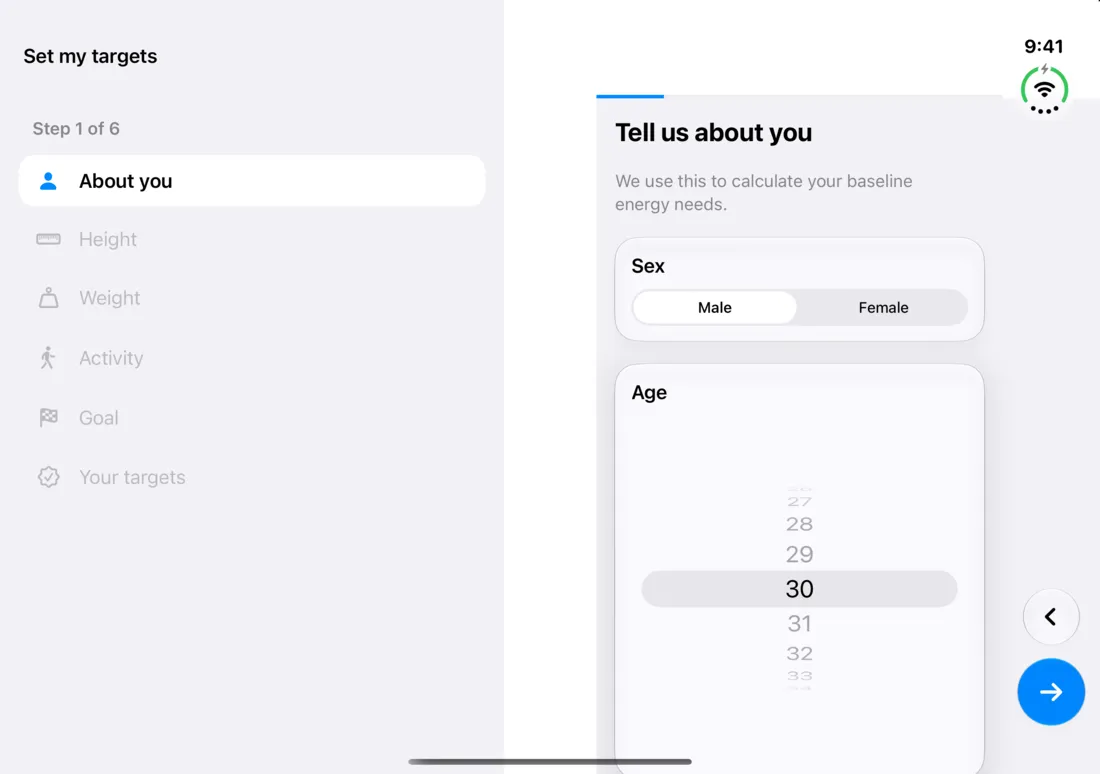
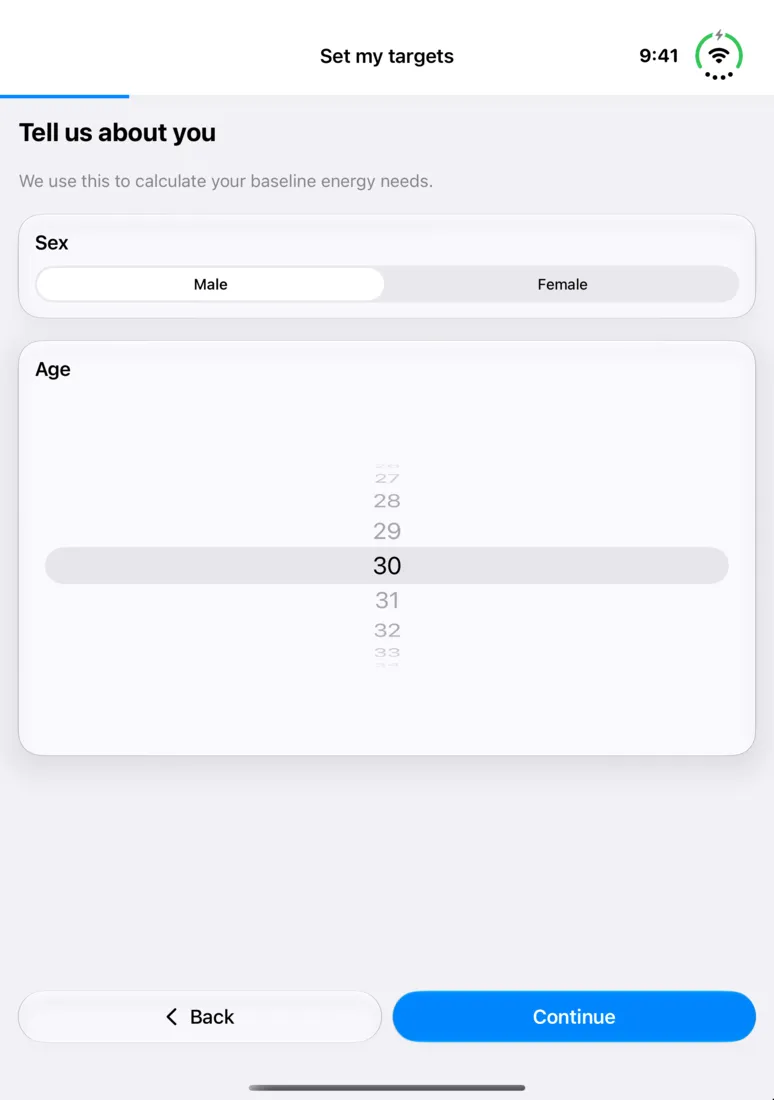
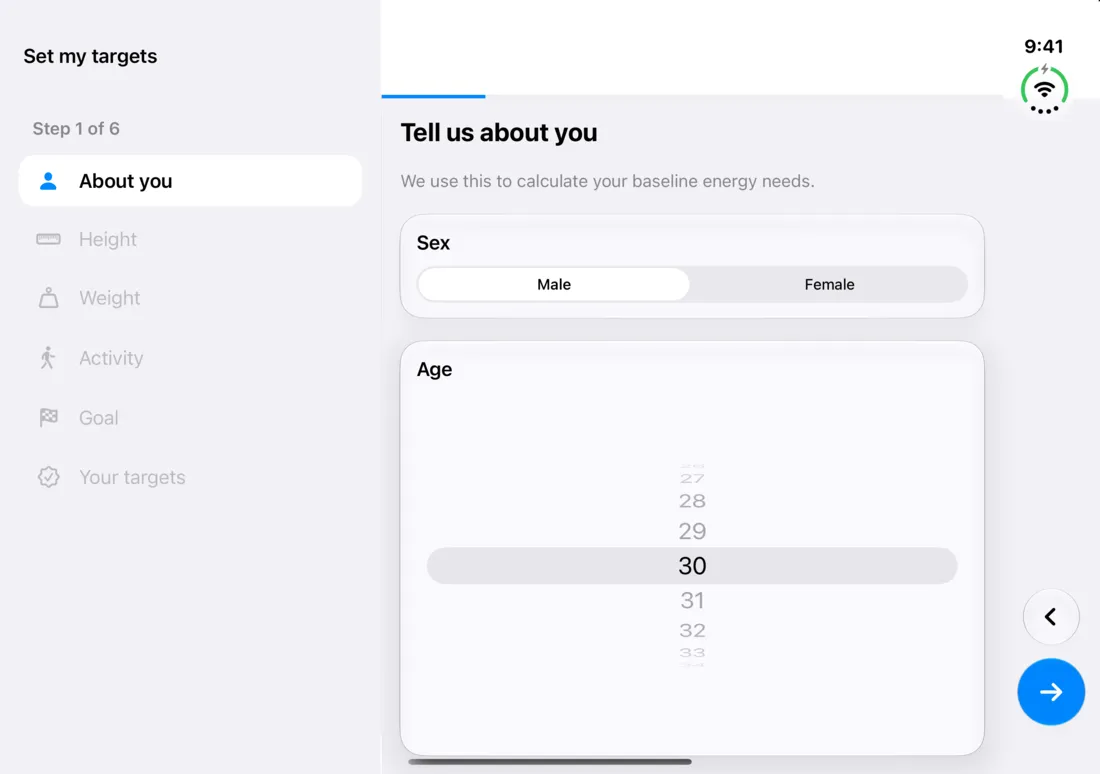
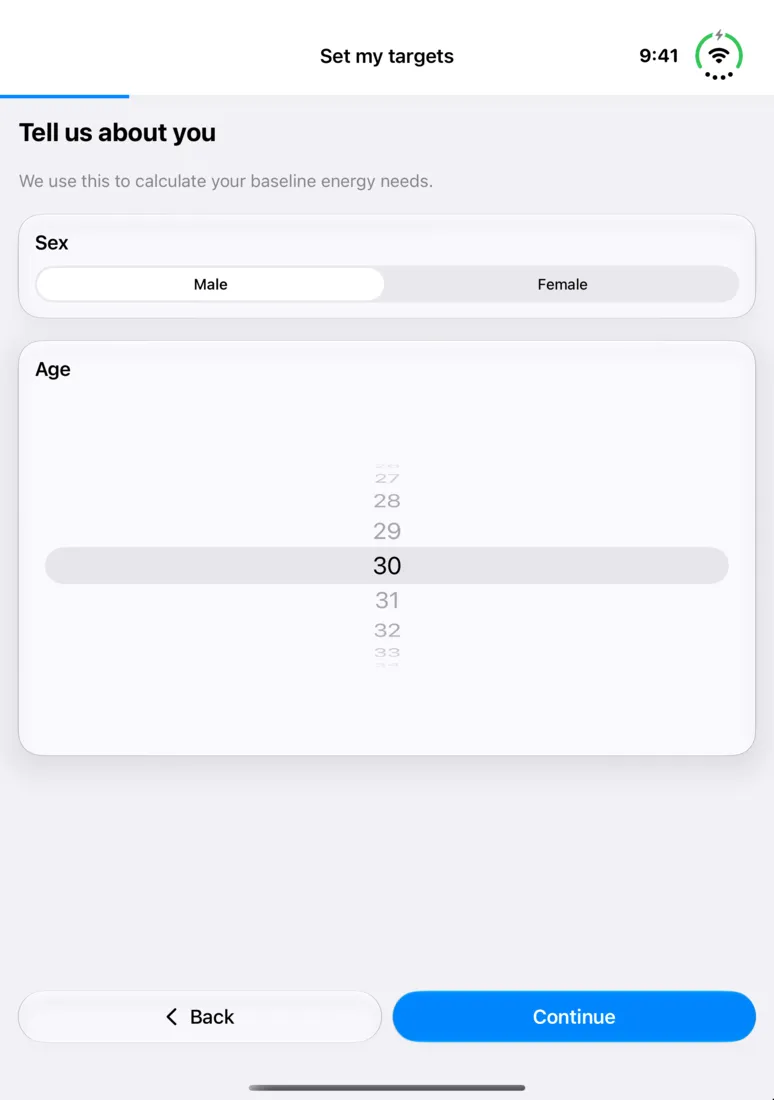
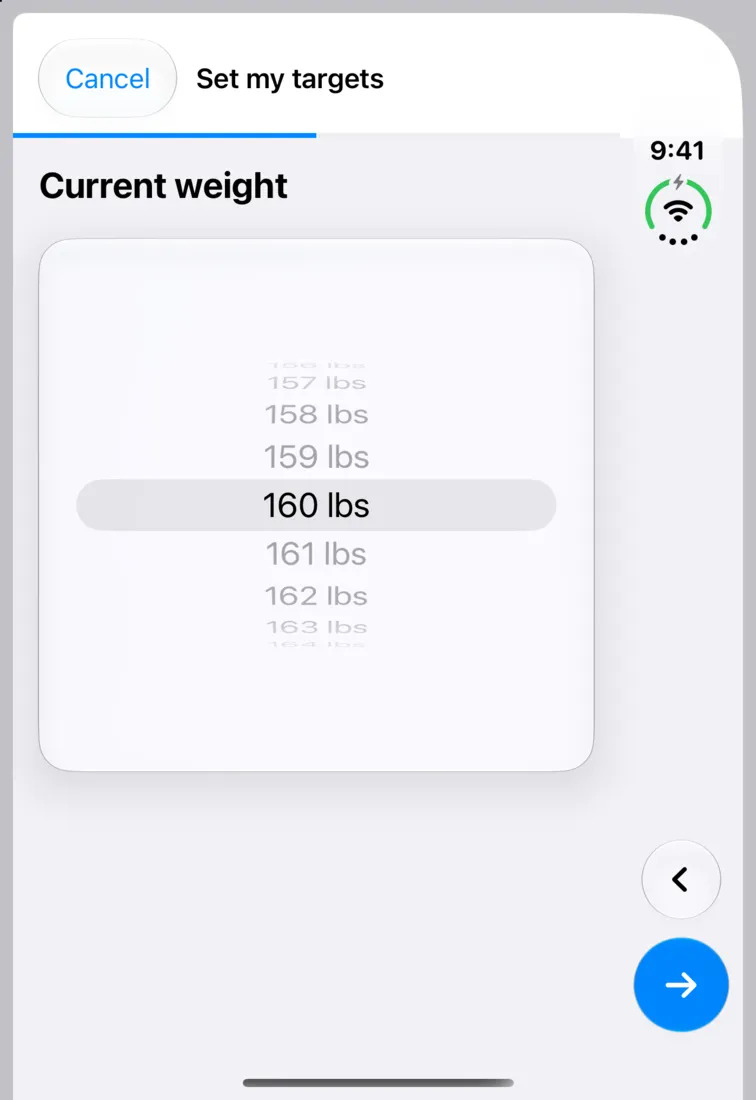
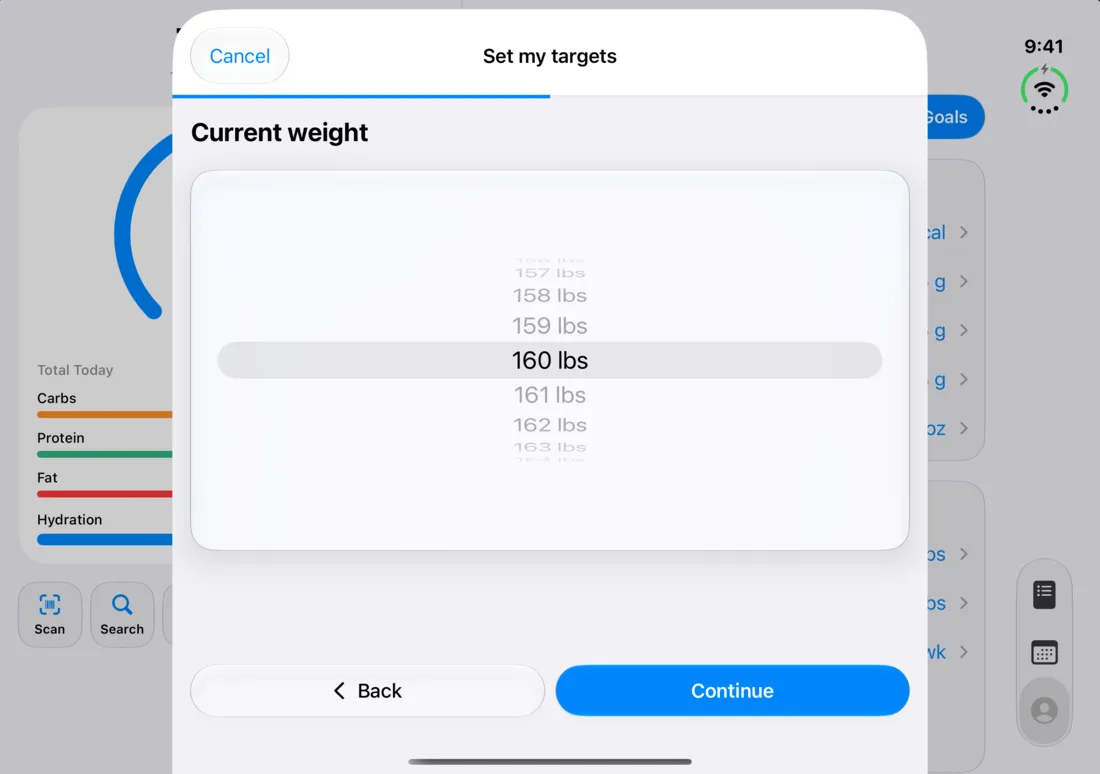
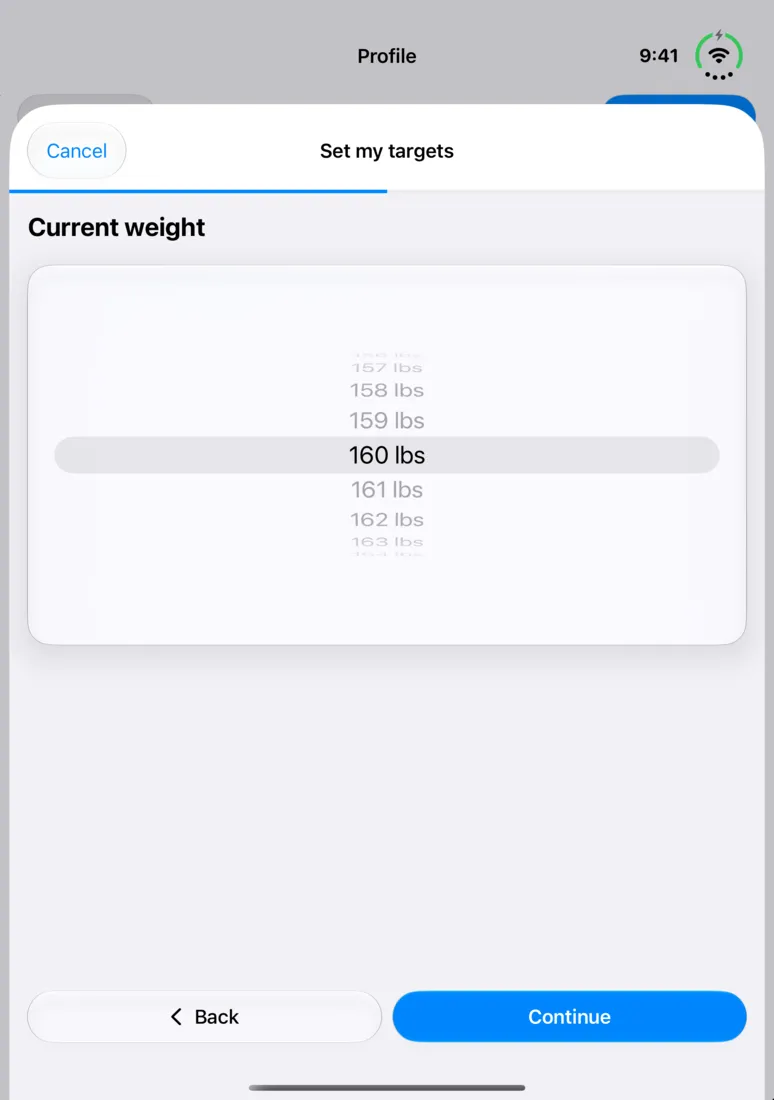
When you set up CalTrak with the phone open, onboarding uses a two-page layout. On the cover screen, the Continue and Back buttons sit at the bottom of the column on the edge.
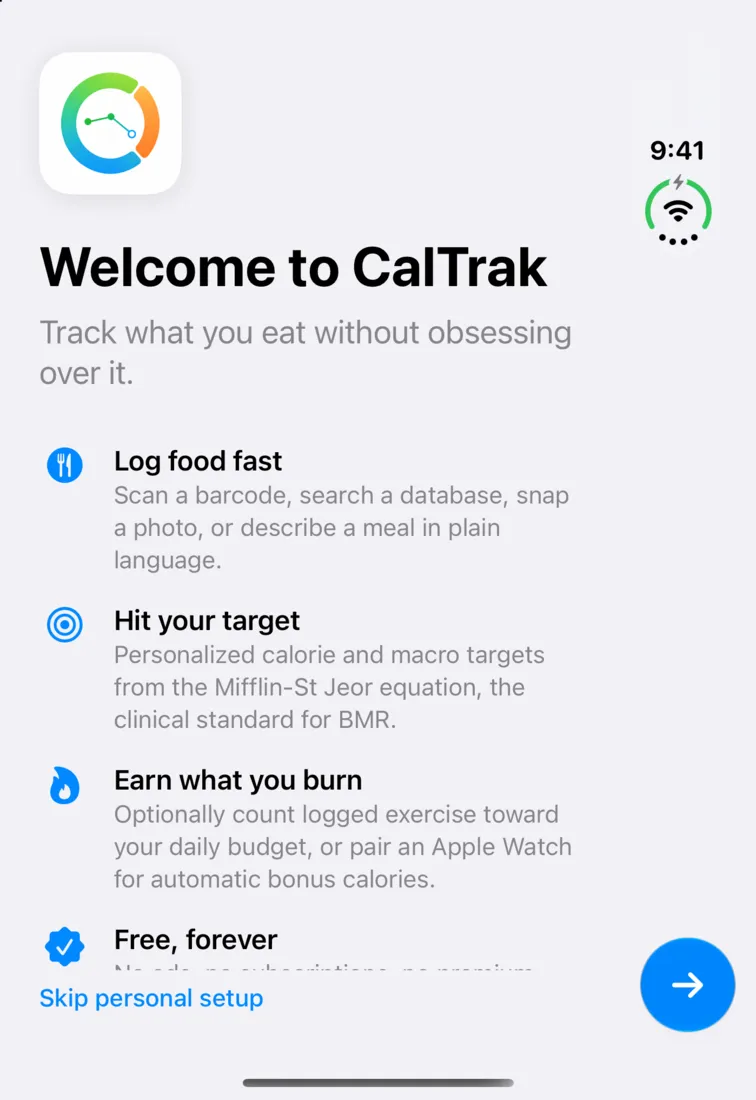
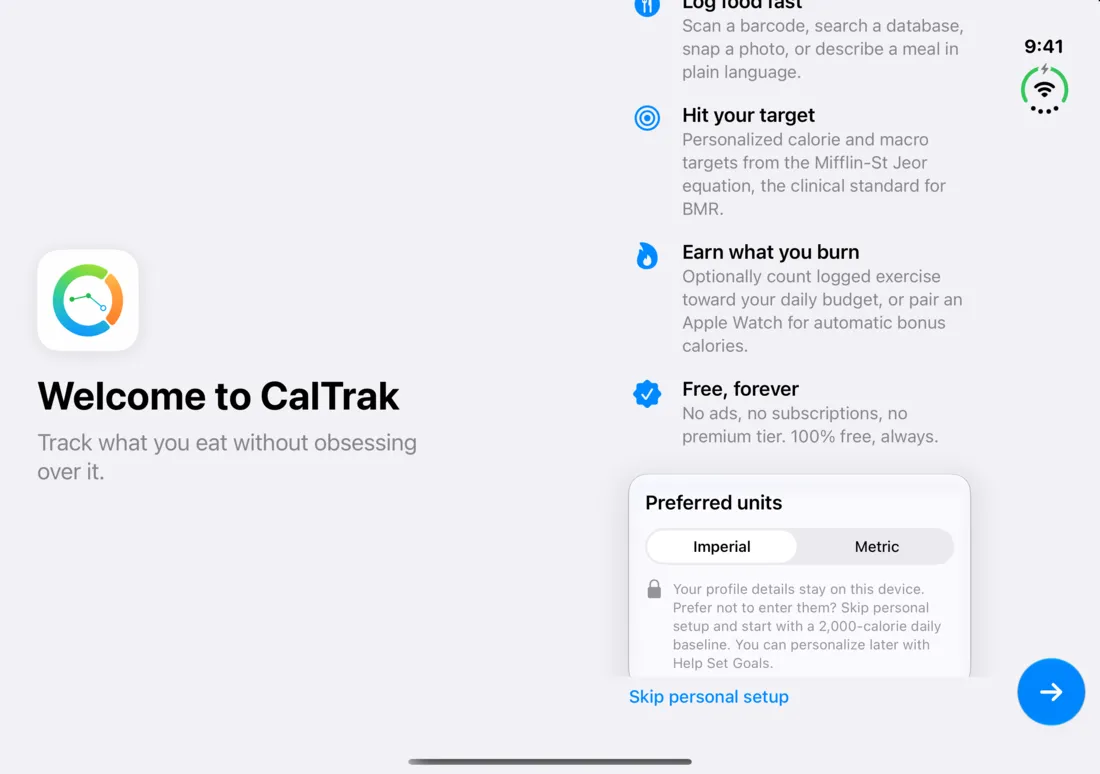
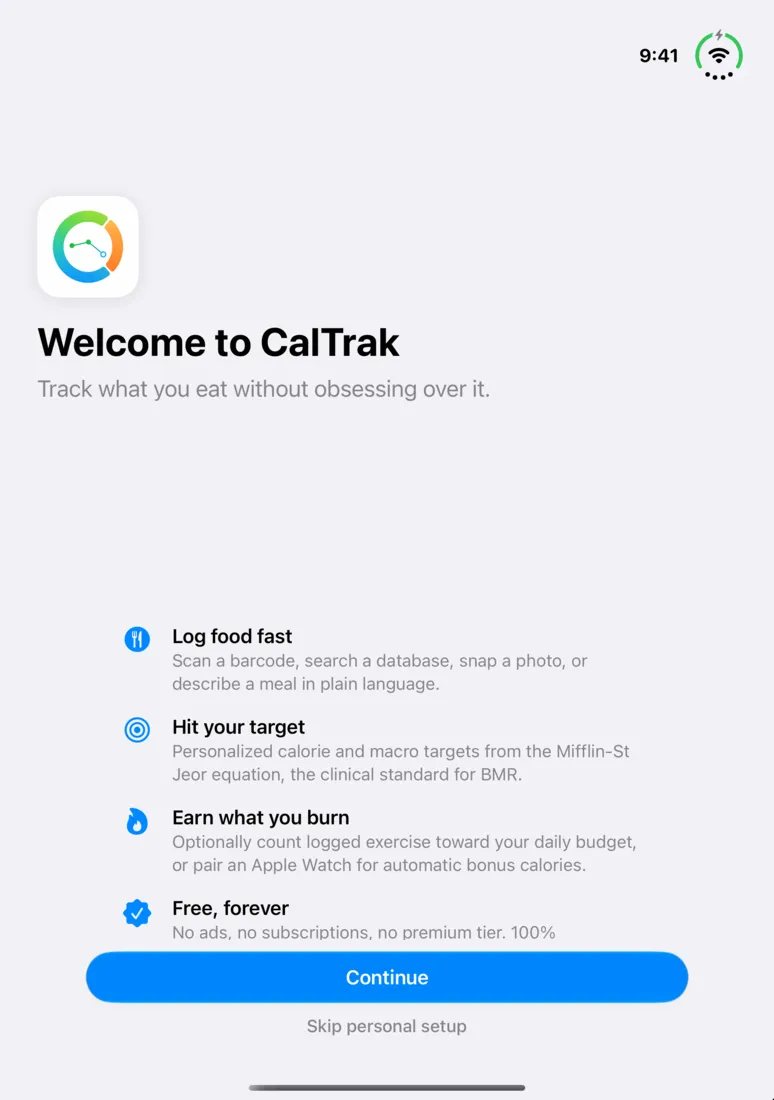
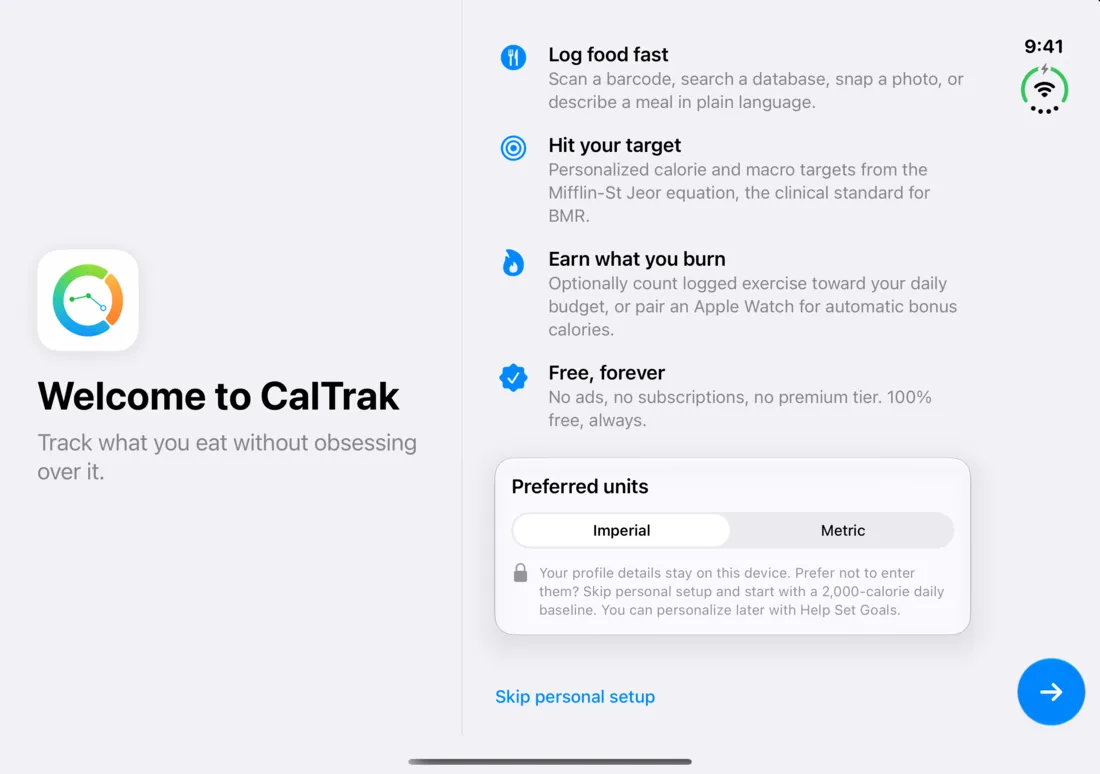
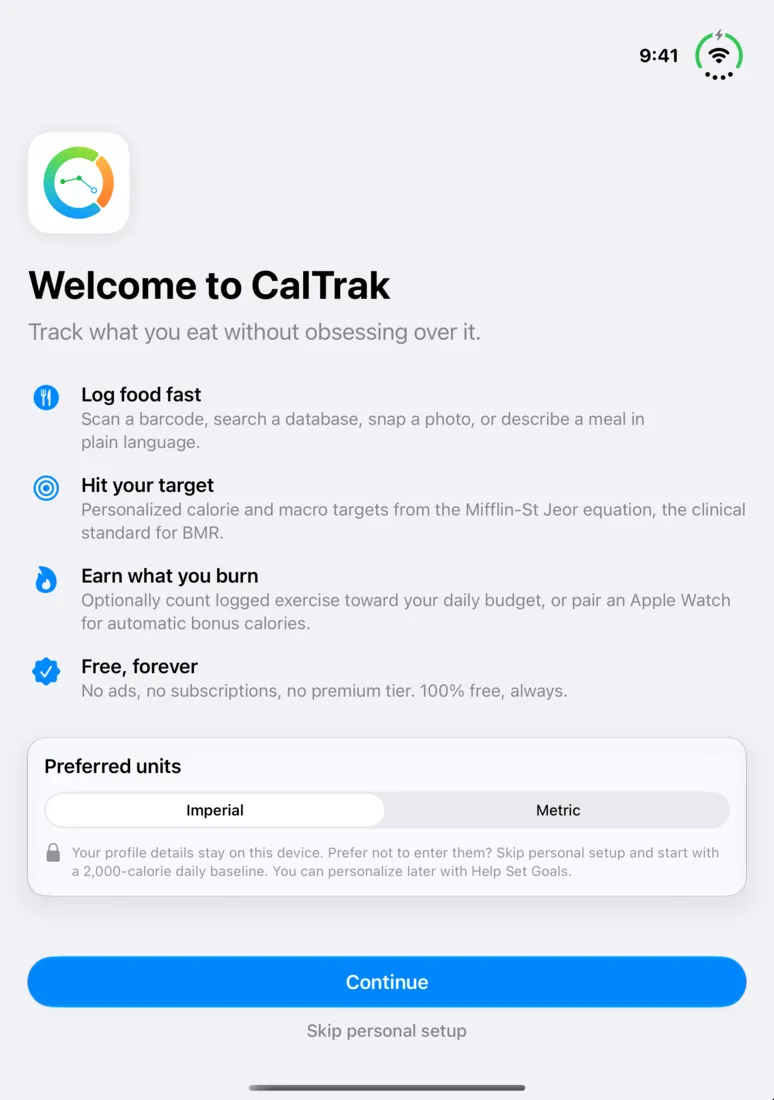
The goals step works the same way when it's open, with the steps listed on the left page.
Goal wizard
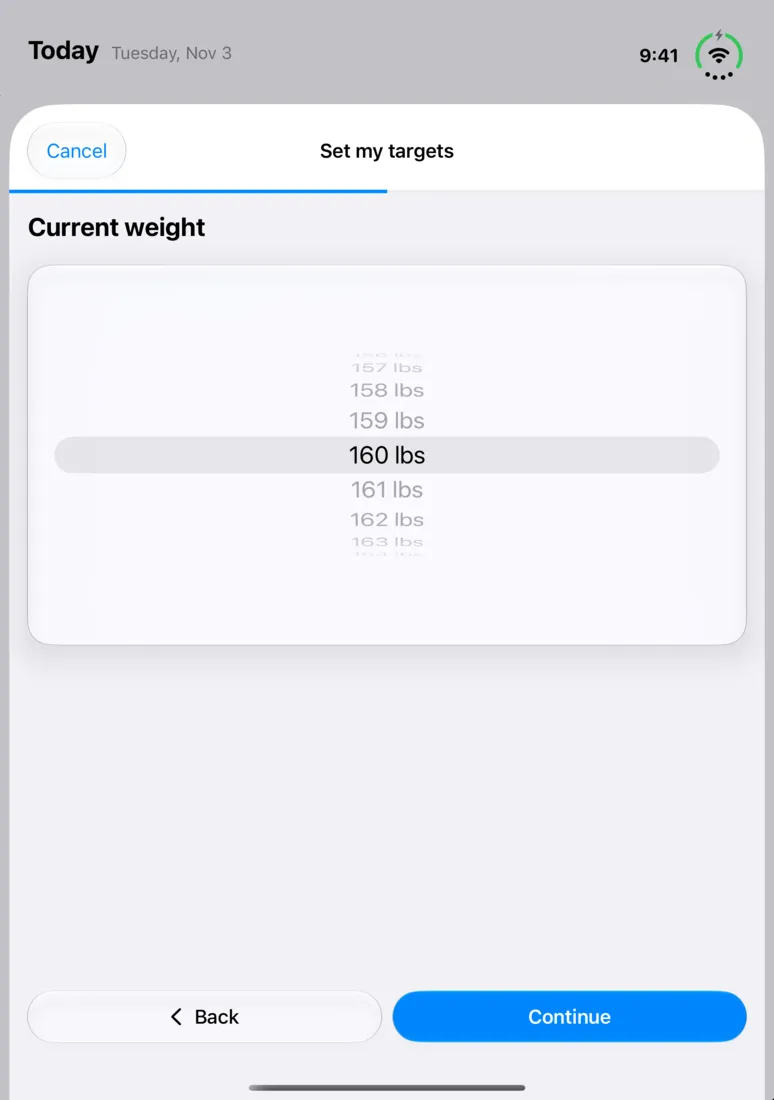
The full-screen goal wizard works the same way: two pages when it's open, and Continue and Back at the bottom of the edge column on the cover screen.
Do dark themes work too?
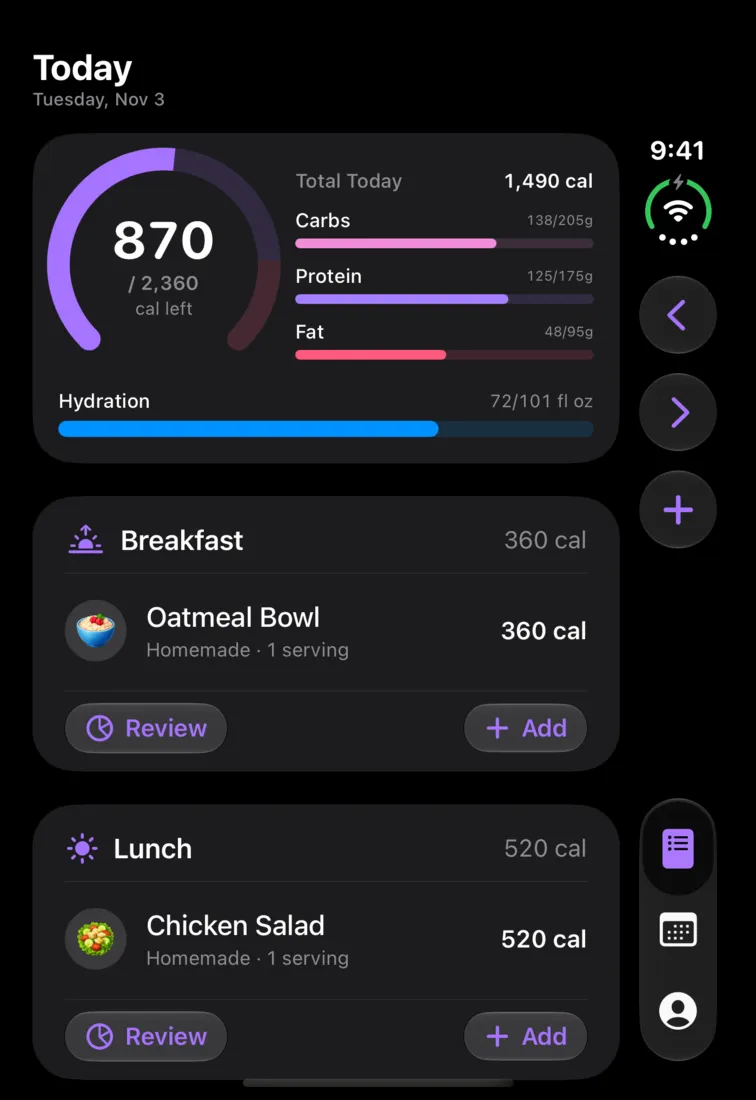
Yes. Every theme works in every position. This is the Log screen in the Midnight theme.
Questions people ask
Yes. CalTrak is built with the iOS 27.1 SDK and runs natively on iPhone Duo, with layouts for the cover screen, book, tabletop and fully open positions. There's no letterboxing.
You get two pages. The left page shows today's calorie ring, macros and quick add, and the right page shows the tab you're on.
Yes. Closed, CalTrak uses the cover screen like a phone, with the clock, toolbar and tabs in a narrow column on the edge and the add button moved into the toolbar.
Yes. Your tab, where you are in it and your scroll position stay the same when you fold or unfold.