
CalTrak can read a restaurant's nutrition PDF for you. Share the PDF to the app, type what you ordered, and it finds the right rows and logs the calories and macros.
Ever had a restaurant hand you a massive nutrition PDF and you have to hunt through it for what you ate? Not anymore. I got tired of pinching and scrolling through tiny tables on my phone, so I made CalTrak do the hunting.
How does it work?
Open the restaurant's nutrition guide in Safari, tap the share button, and pick CalTrak from the row of apps.
That's the only part you have to remember. CalTrak shows up there because it can open PDFs.
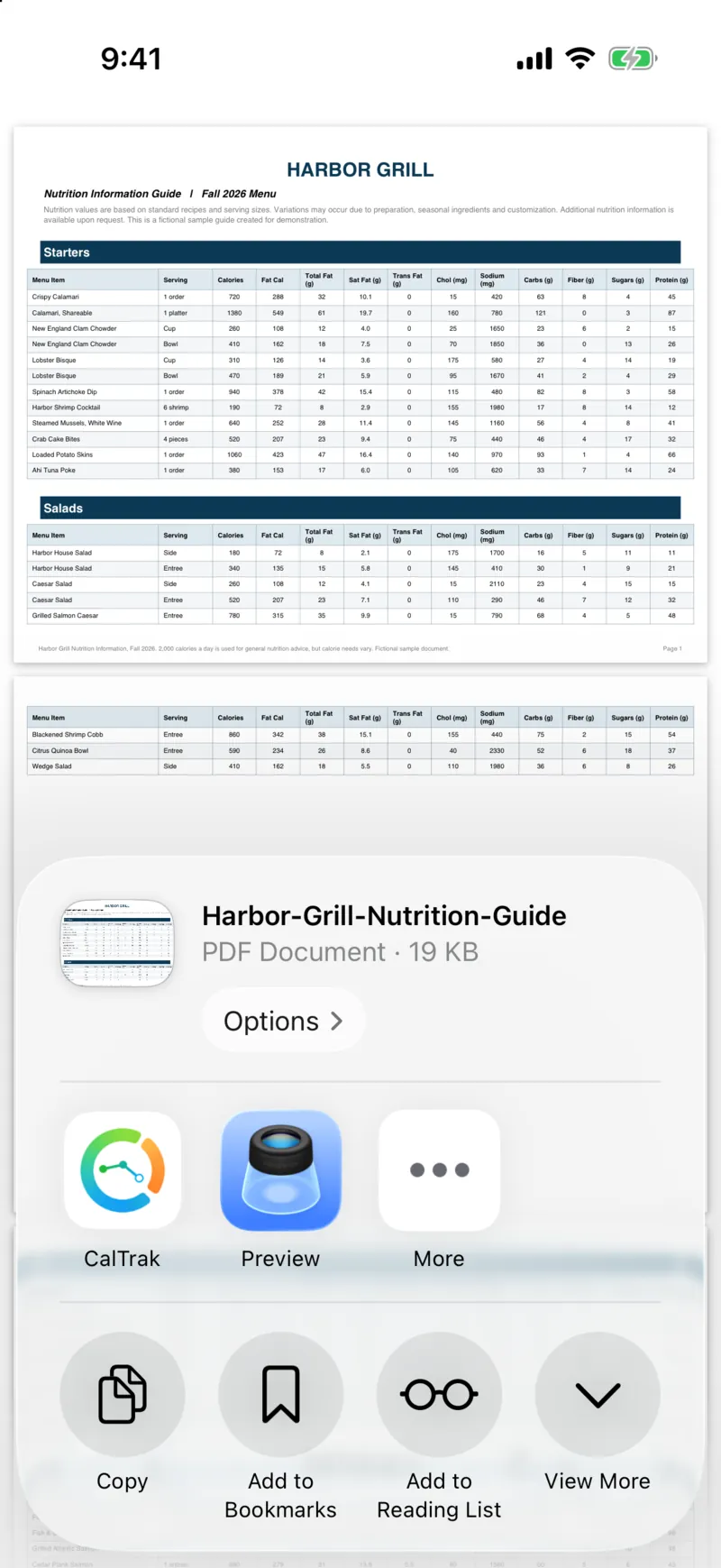
CalTrak opens on the Log tab in AI mode with the PDF already attached, and it picks the meal for the time of day. You can change the meal at the top.
Now type what you ate, like "Connecticut style lobster roll and a cup of clam chowder". Anything from 3 to 250 characters works. You don't have to find the right page first. The whole PDF goes along with what you typed.
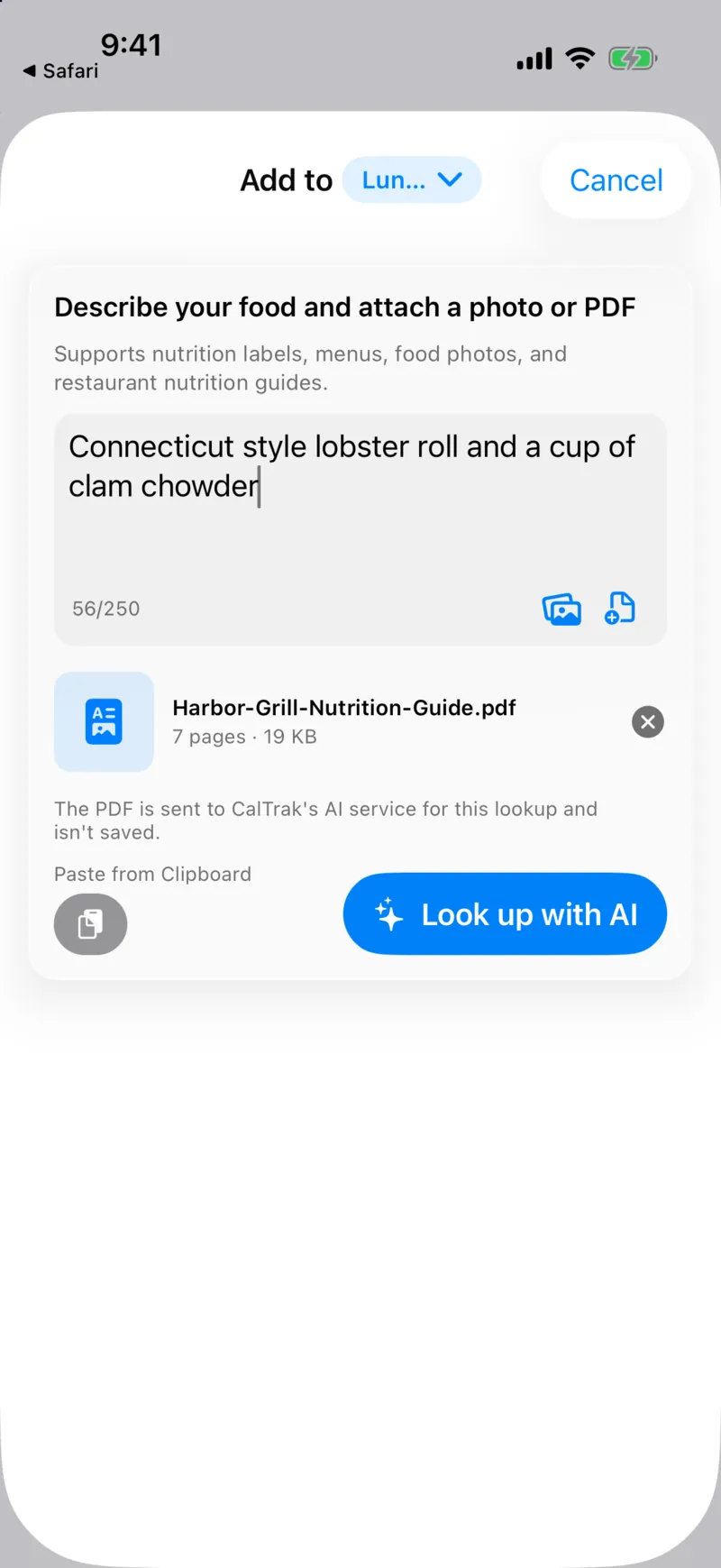
Tap "Look up with AI". In my test it took about 40 seconds.
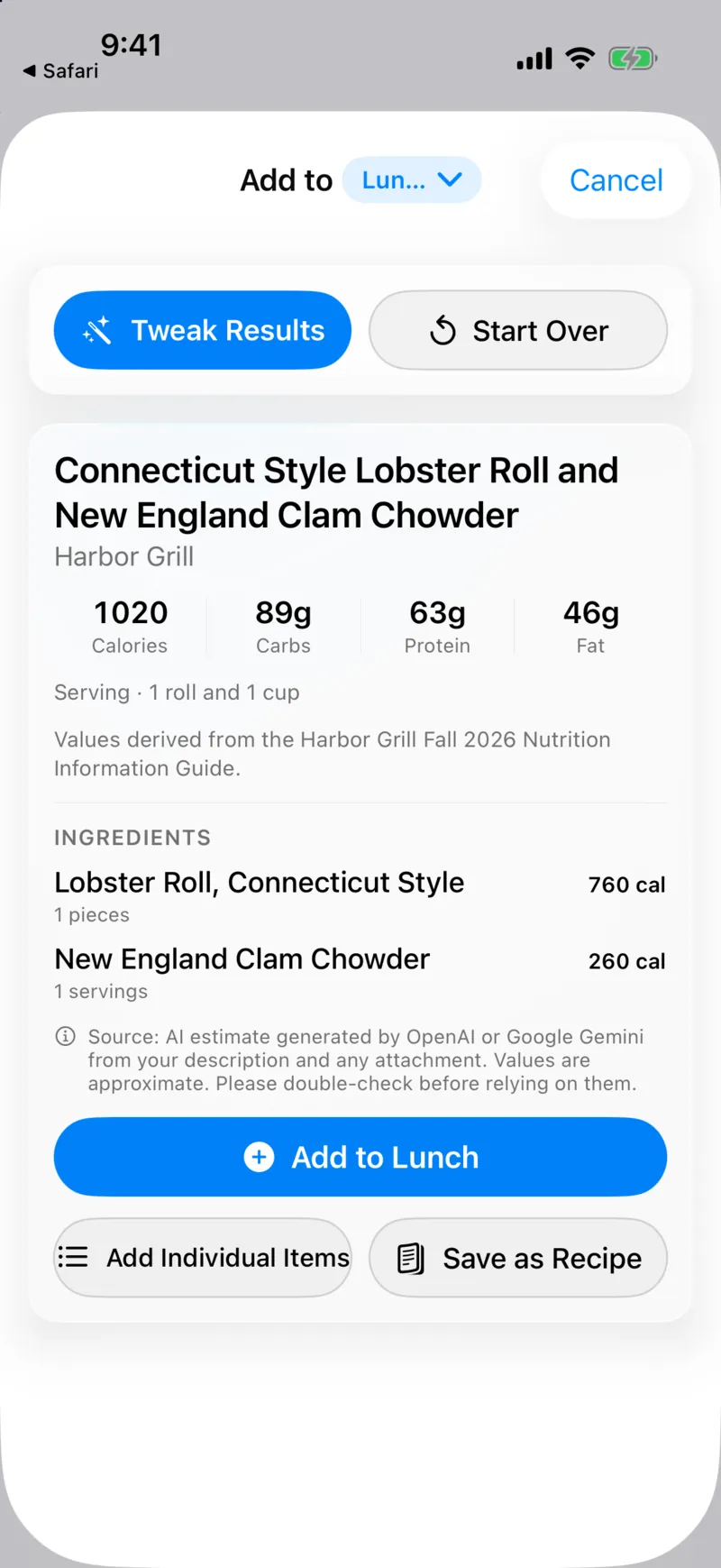
The result matched the guide's tables exactly: "Lobster Roll, Connecticut Style" at 760 calories and "New England Clam Chowder" at 260 for a cup, 1,020 calories total, with the restaurant shown as the source. That guide was a sample I made for a made up restaurant, so you can see what a real lookup looks like without guessing.
What can I do with the result?
You get three choices:
- Add to Lunch logs the whole meal as one item.
- Add Individual Items logs each row on its own, so the lobster roll and the chowder show up separately.
- Save as Recipe keeps it for the next time you order the same thing.
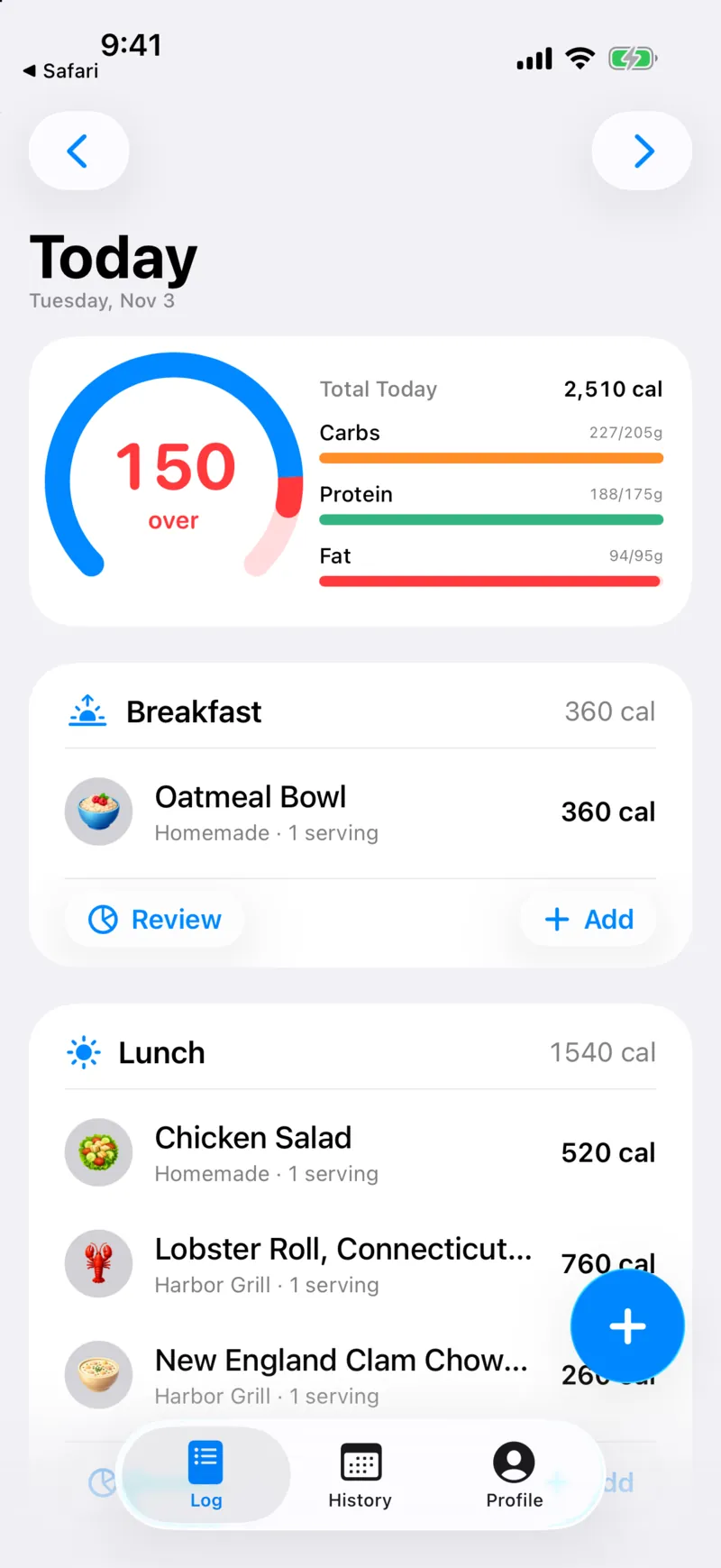
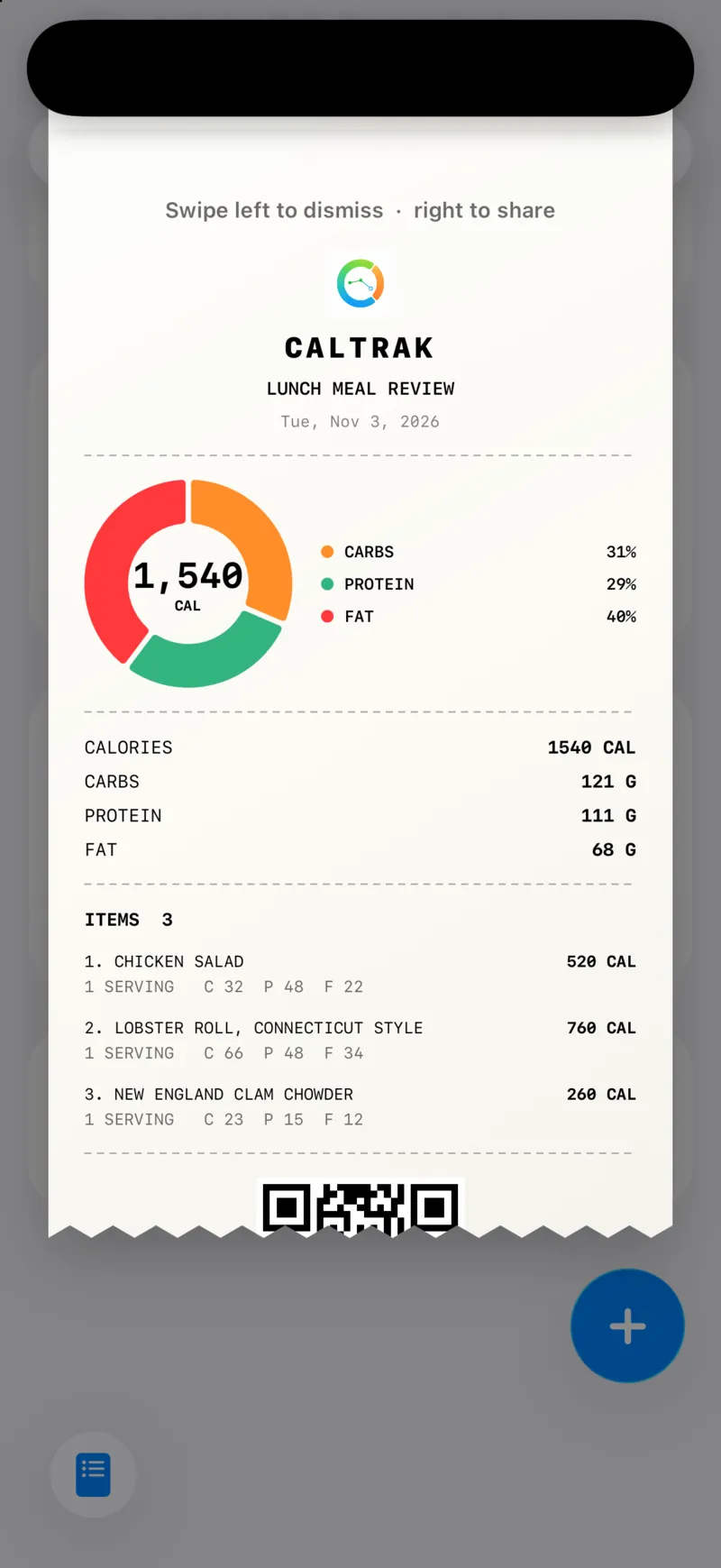
Tap "Review" on the meal to see it as a meal receipt you can save or share.
Can I use a PDF I already downloaded?
Yes. Inside the AI screen there's an "Attach PDF from Files" option, so a guide you saved earlier works too. On Android you can share PDFs into CalTrak the same way.
What are the limits?
- PDFs can be up to 10 MB and 100 pages. Bigger ones get a "Couldn't attach PDF" message.
- The PDF is sent to CalTrak's AI service for that lookup and isn't saved.
- It needs an internet connection.
- It's an AI estimate. Low-confidence matches are marked, and you can check and edit every number before you save.
Questions people ask
Yes. Share the PDF to CalTrak or attach it from Files, type what you ate, and the AI finds the matching items and their calories and macros in the guide.
No. The whole PDF is sent along with what you typed, so CalTrak finds the right rows for you.
No. The PDF goes to CalTrak's AI service for that one lookup and isn't saved.
Up to 10 MB and 100 pages.