CalTrak has 13 color themes, 8 app icons with friendly food characters, and over 800 food icons. Every one of them is free. Other apps charge for this kind of thing, and I didn't want to.
What themes are there?
There are 13 themes: Default, Dark, Midnight, Neon, Sunset, Ocean, Forest, Berry, Bubblegum, Rainbow, Pastel, Coffee and Mono. Each one is either light or dark, and it changes the rings, bars, buttons and highlights across the whole app.
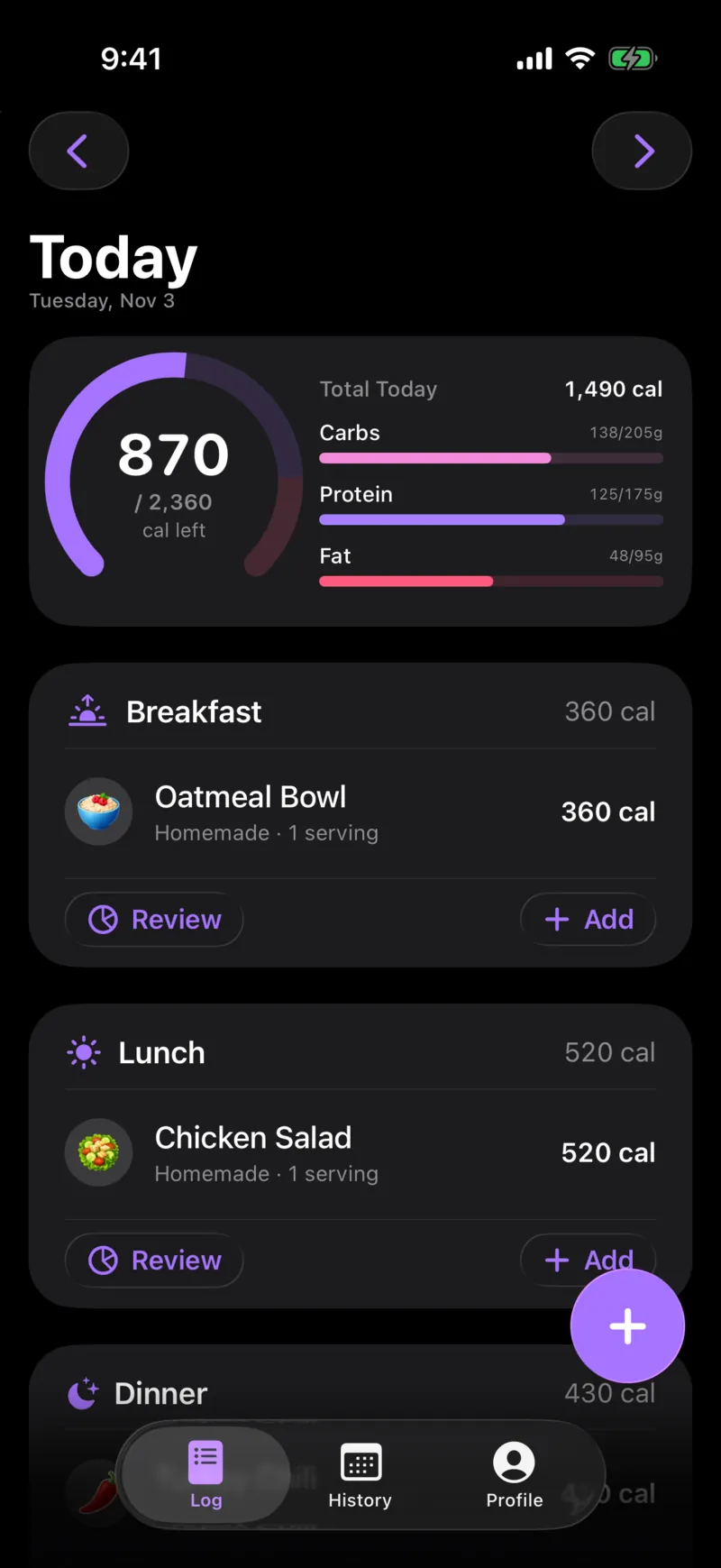
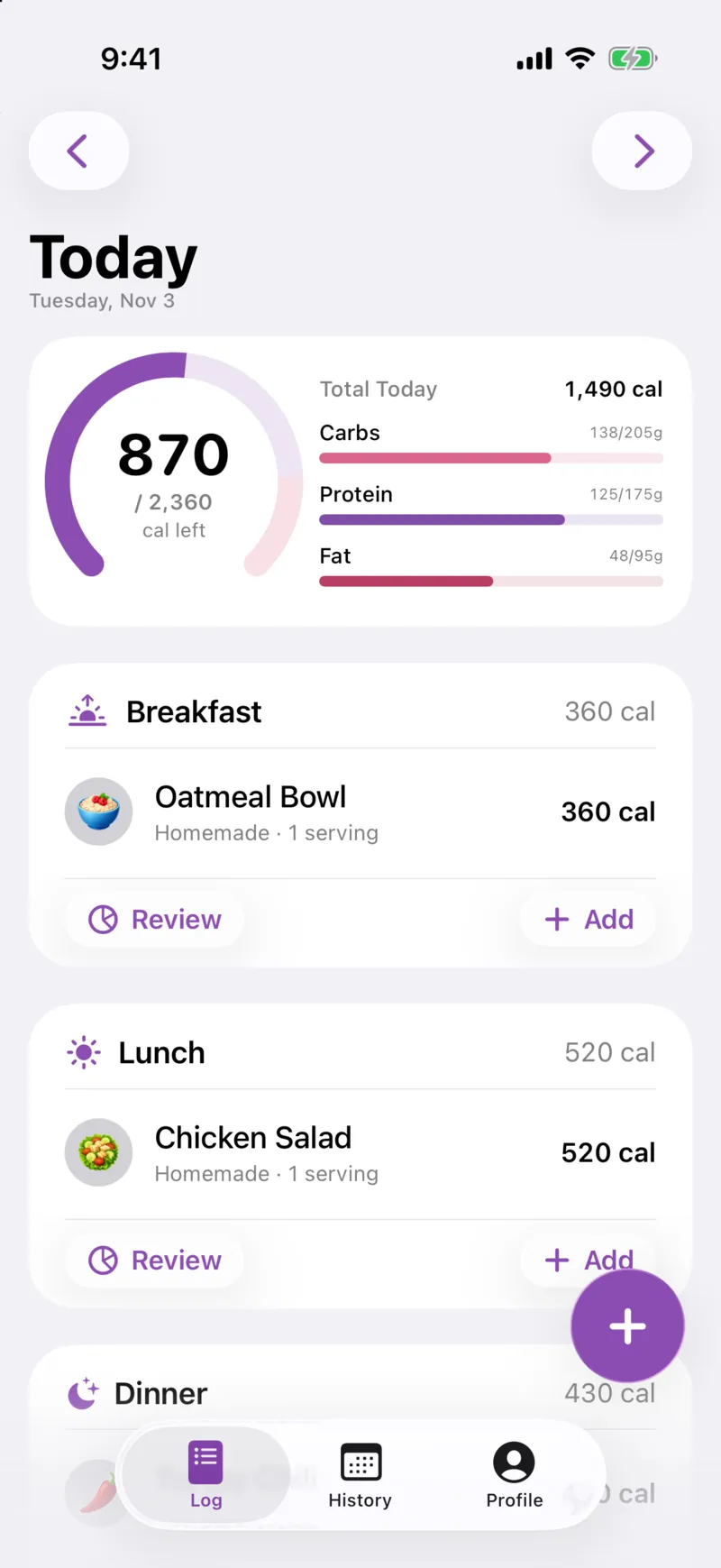
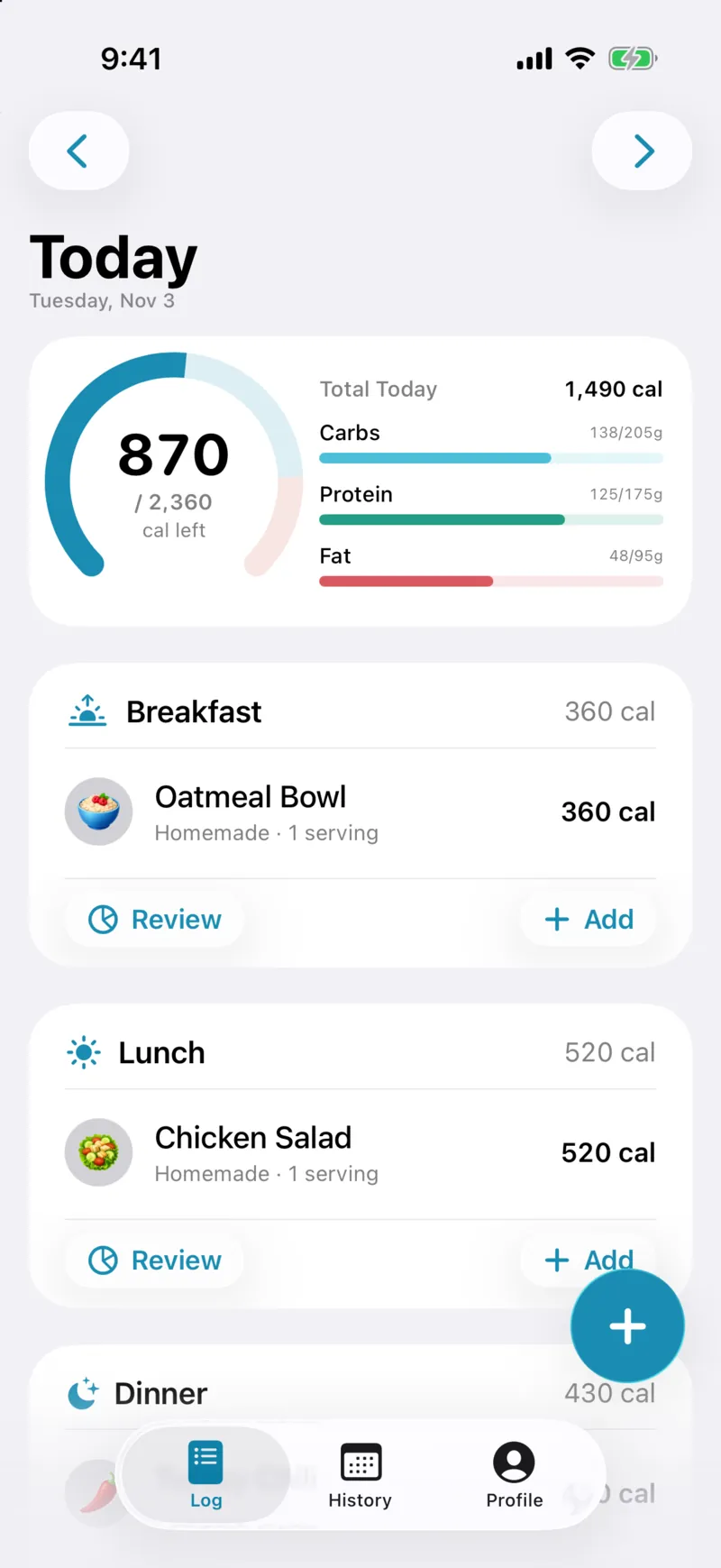
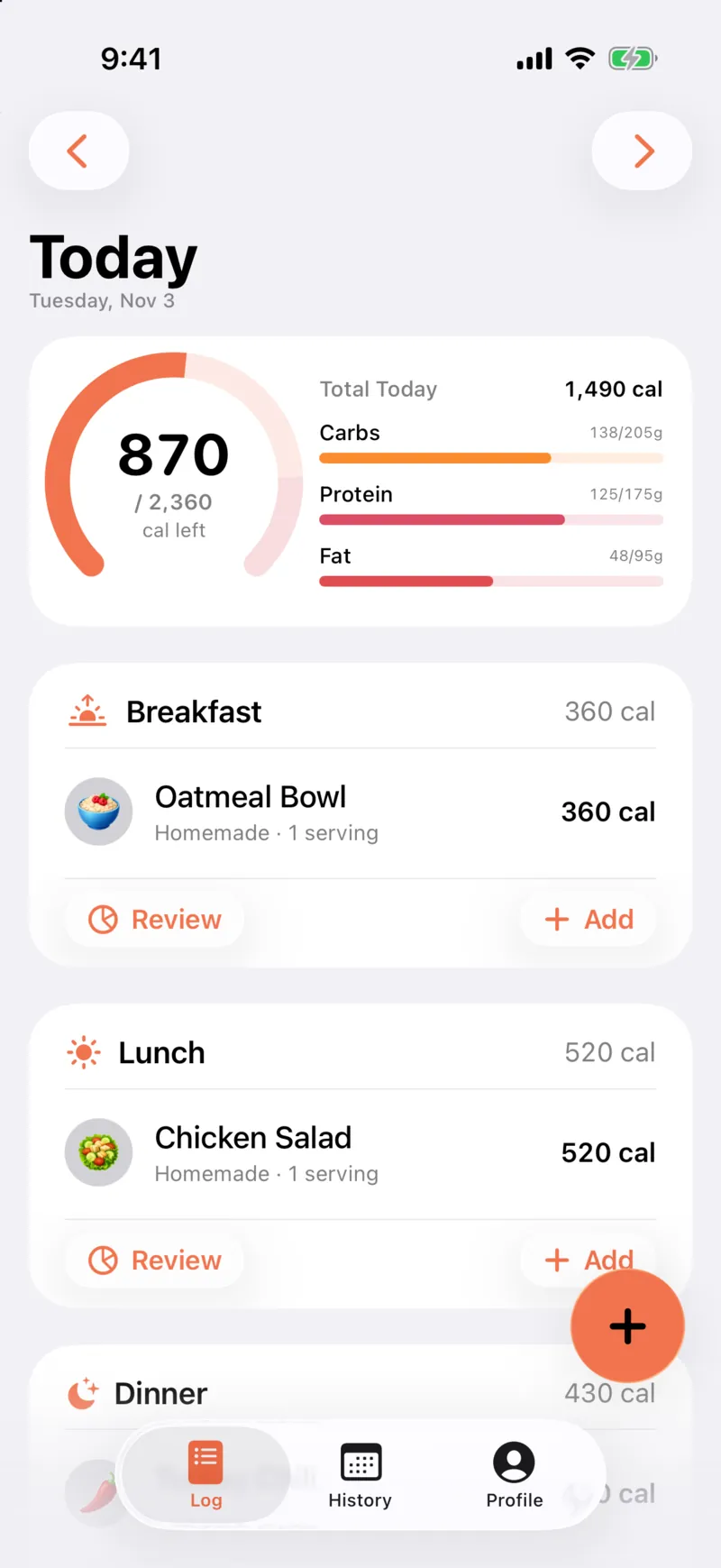
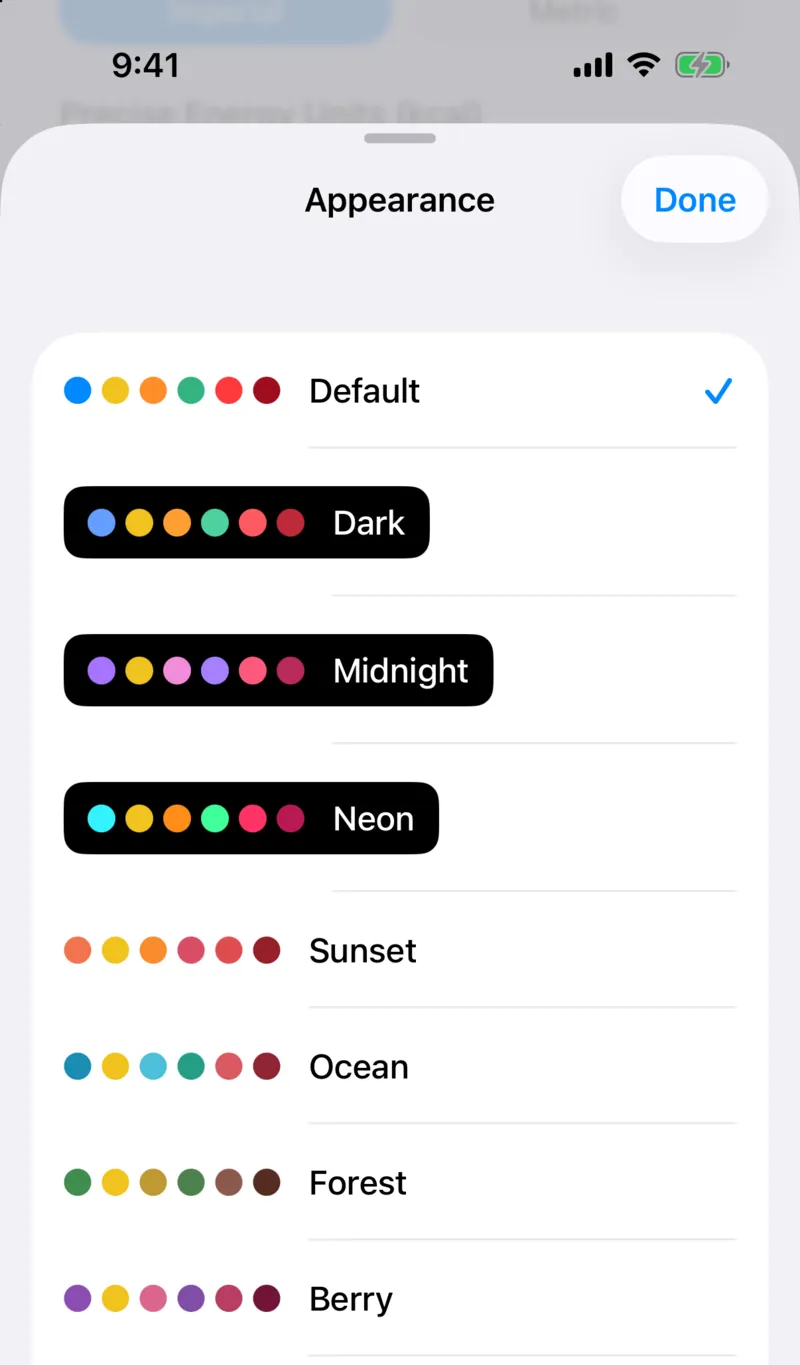
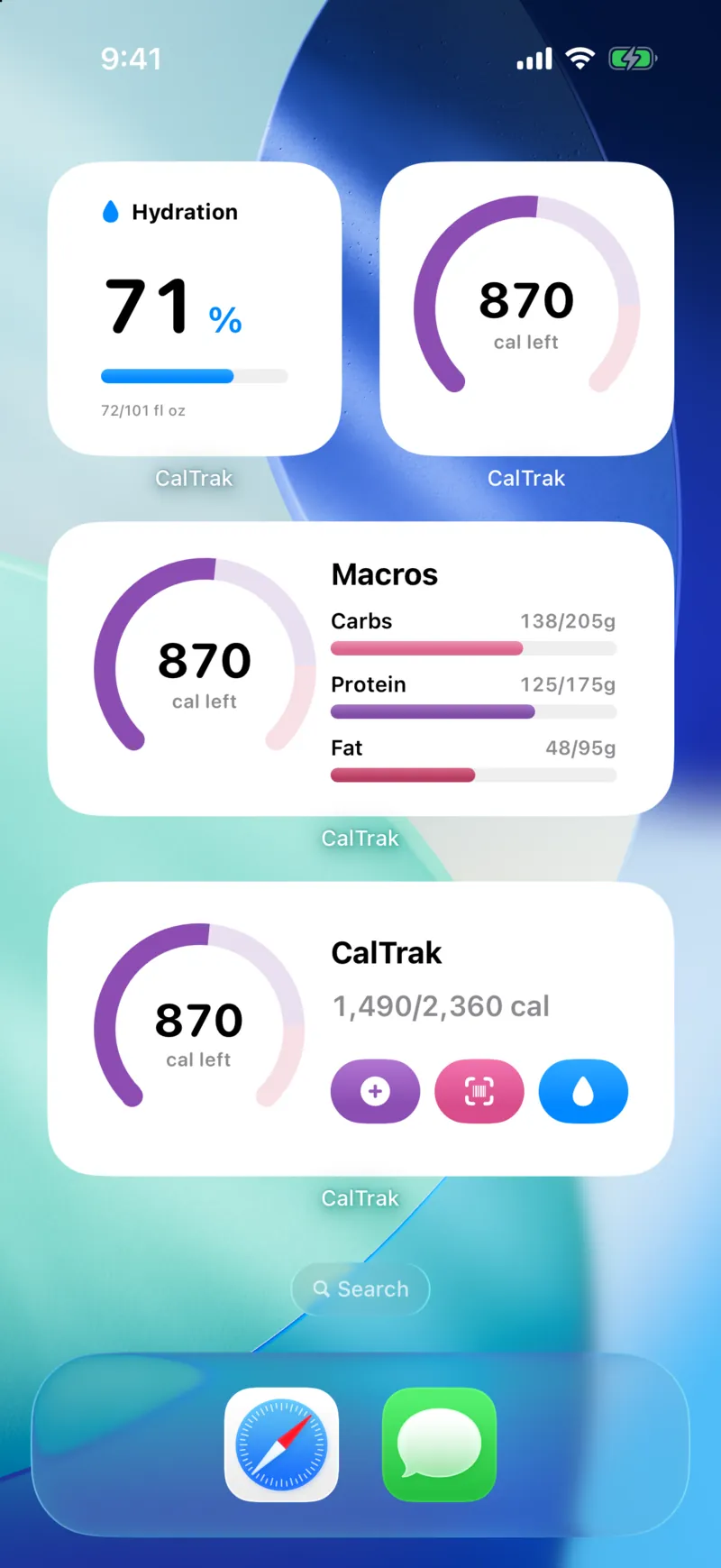
To change it, go to the Profile tab, then Appearance, then "Change Theme". Your home screen widgets switch colors to match.
Can I change the app icon?
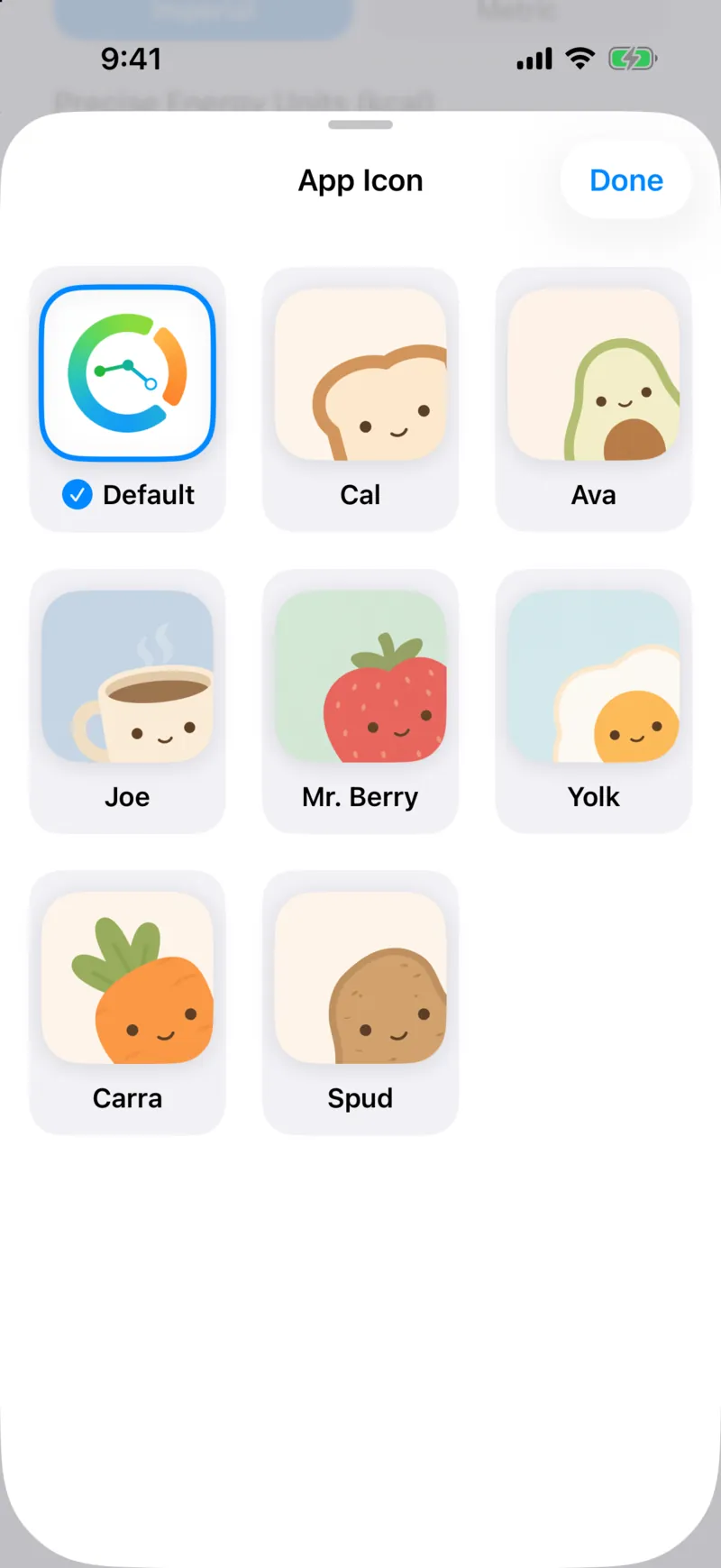
Yes. There are 8 app icons: the Default ring, plus Cal, Ava, Joe, Mr. Berry, Yolk, Carra and Spud. Those are a toast, an avocado, a coffee, a strawberry, an egg, a carrot and a potato.
Go to Profile, then Appearance, then "App Icon". iOS asks you to confirm the change, and that's it.
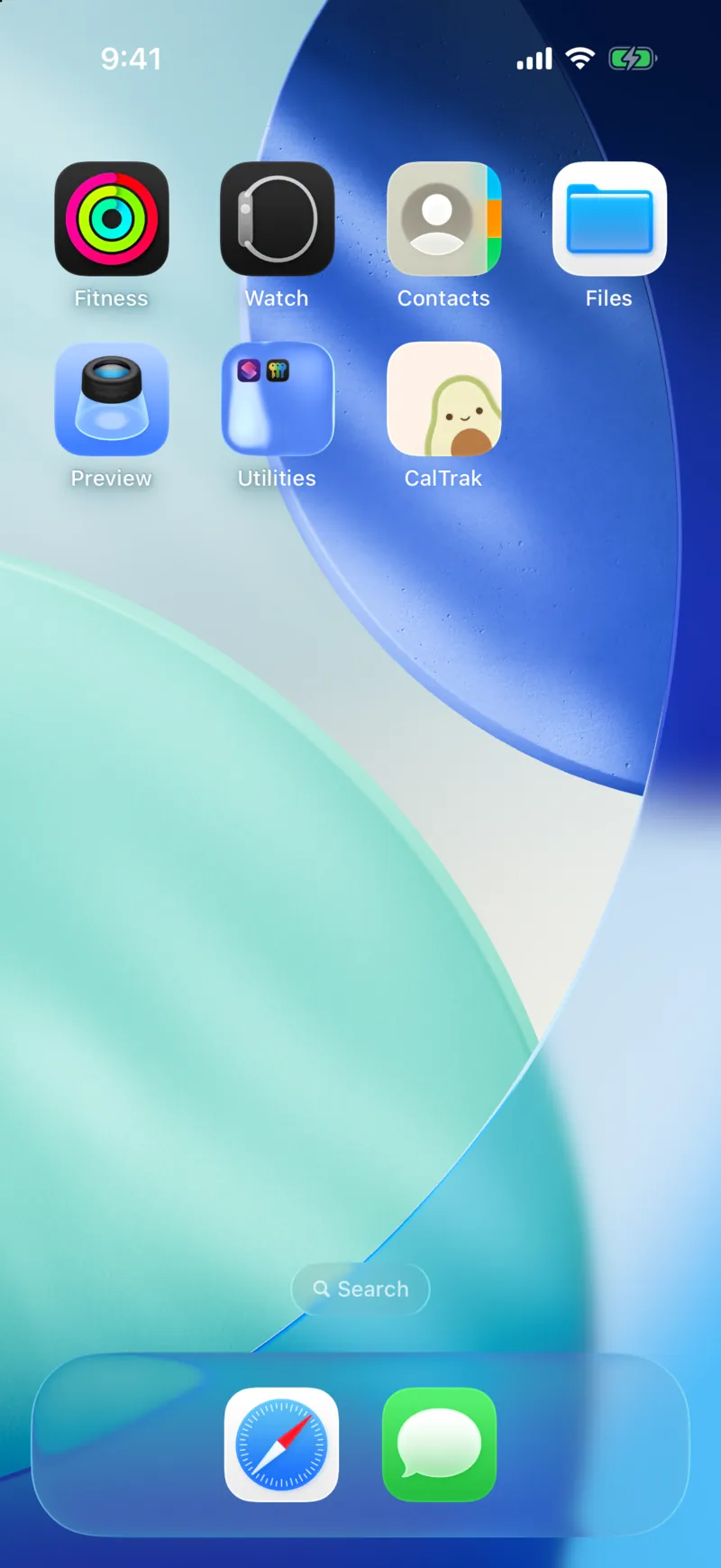
This is Ava, the avocado, on a home screen. The new icon shows up as soon as you confirm.
What are food icons?
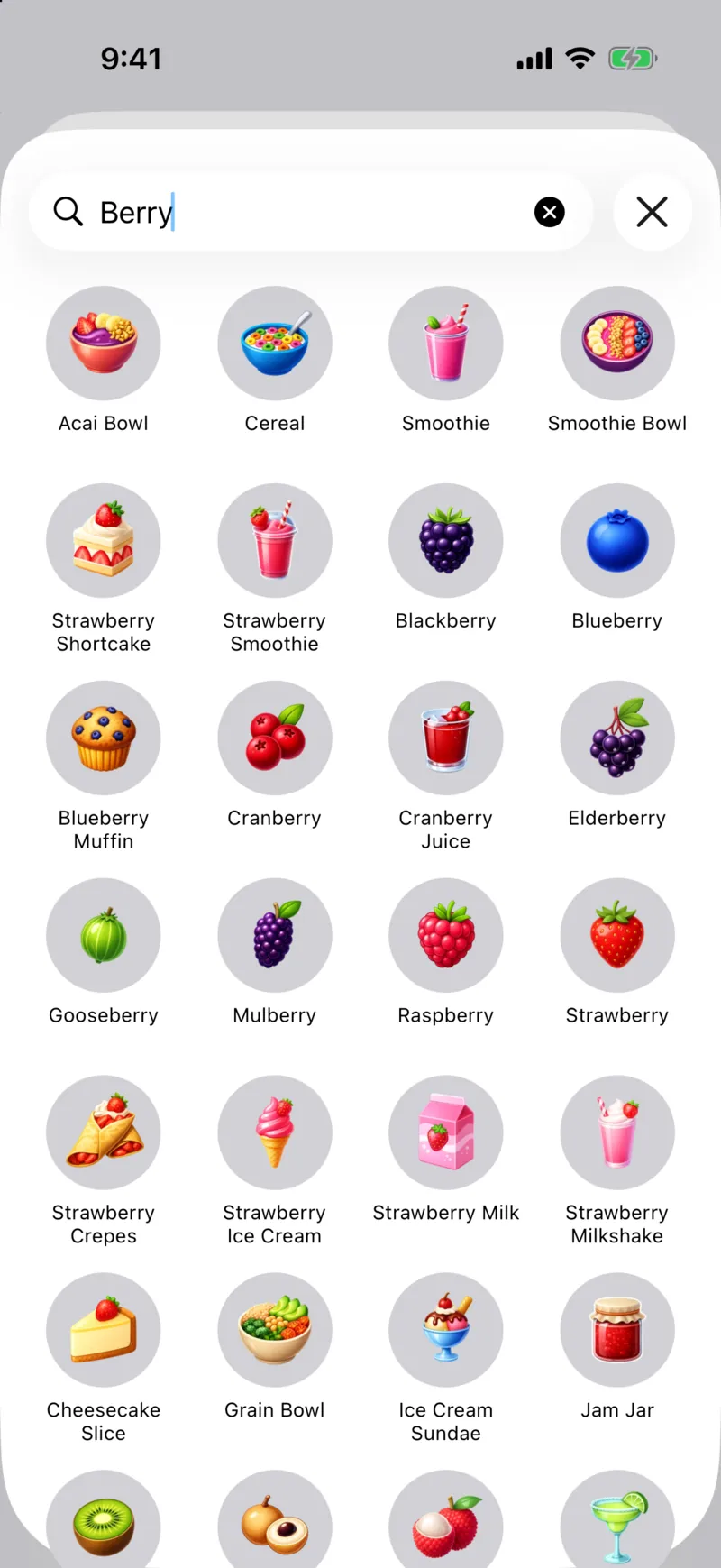
Every food in your log gets a little icon so you can spot it fast. There are about 860 of them, and CalTrak matches one automatically when you log something.
If it picks the wrong one, tap the food's icon on its portion screen. "Choose Icon" lets you search over 800 icons, and the "Auto" button puts the automatic pick back.
Do any of these cost money?
No. Every theme and icon is included, like everything else in CalTrak. There's an optional tip jar in Settings, but tips don't change anything in the app.
Questions people ask
Yes. Several of the 13 themes are dark, including Dark, Midnight and Neon.
Go to Profile, then Appearance, then App Icon, and pick one of the 8 icons. iOS confirms the change.
Yes. All 13 themes, all 8 app icons and every food icon are free.
Yes. CalTrak's widgets switch colors when you change the theme.